


-

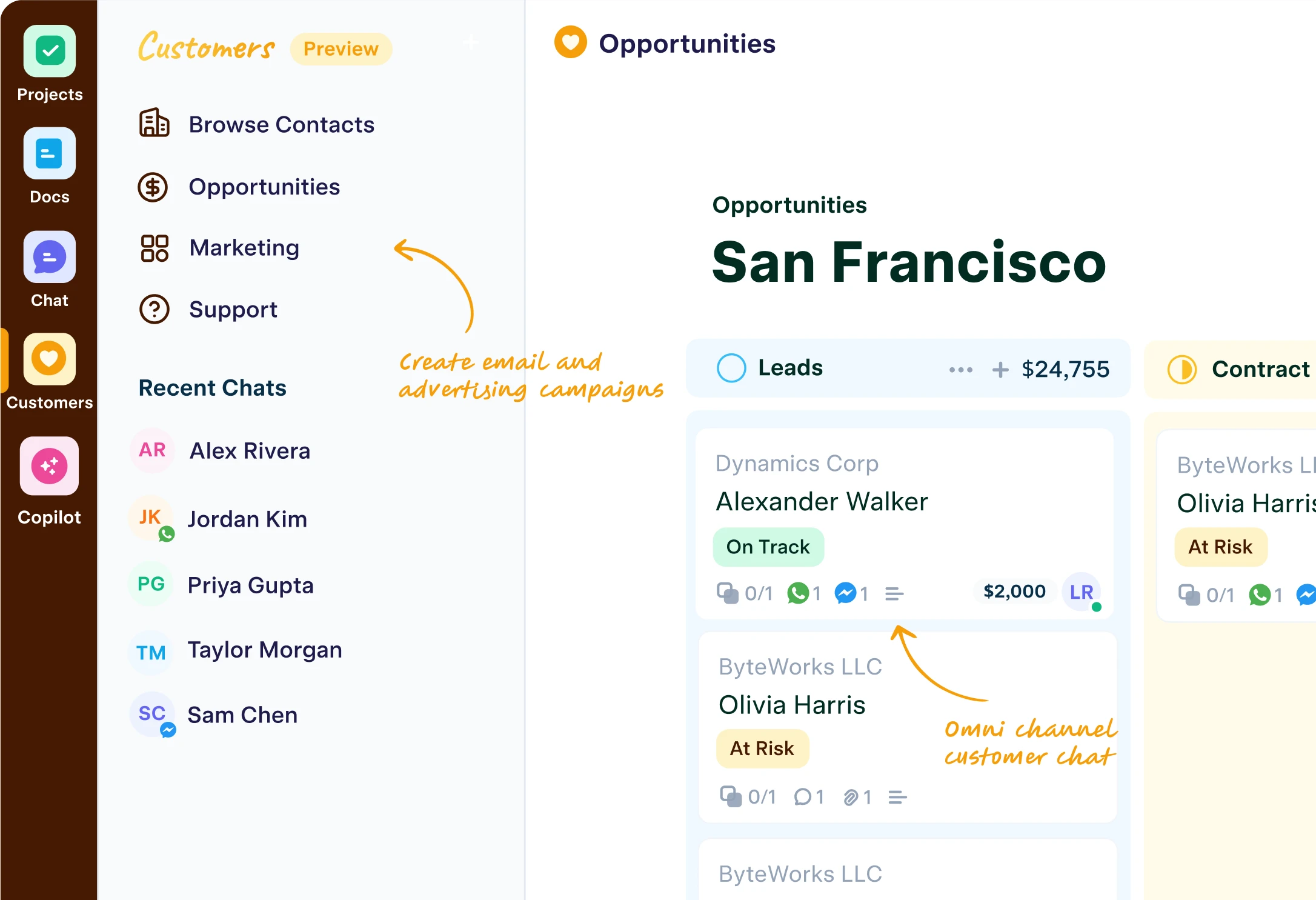
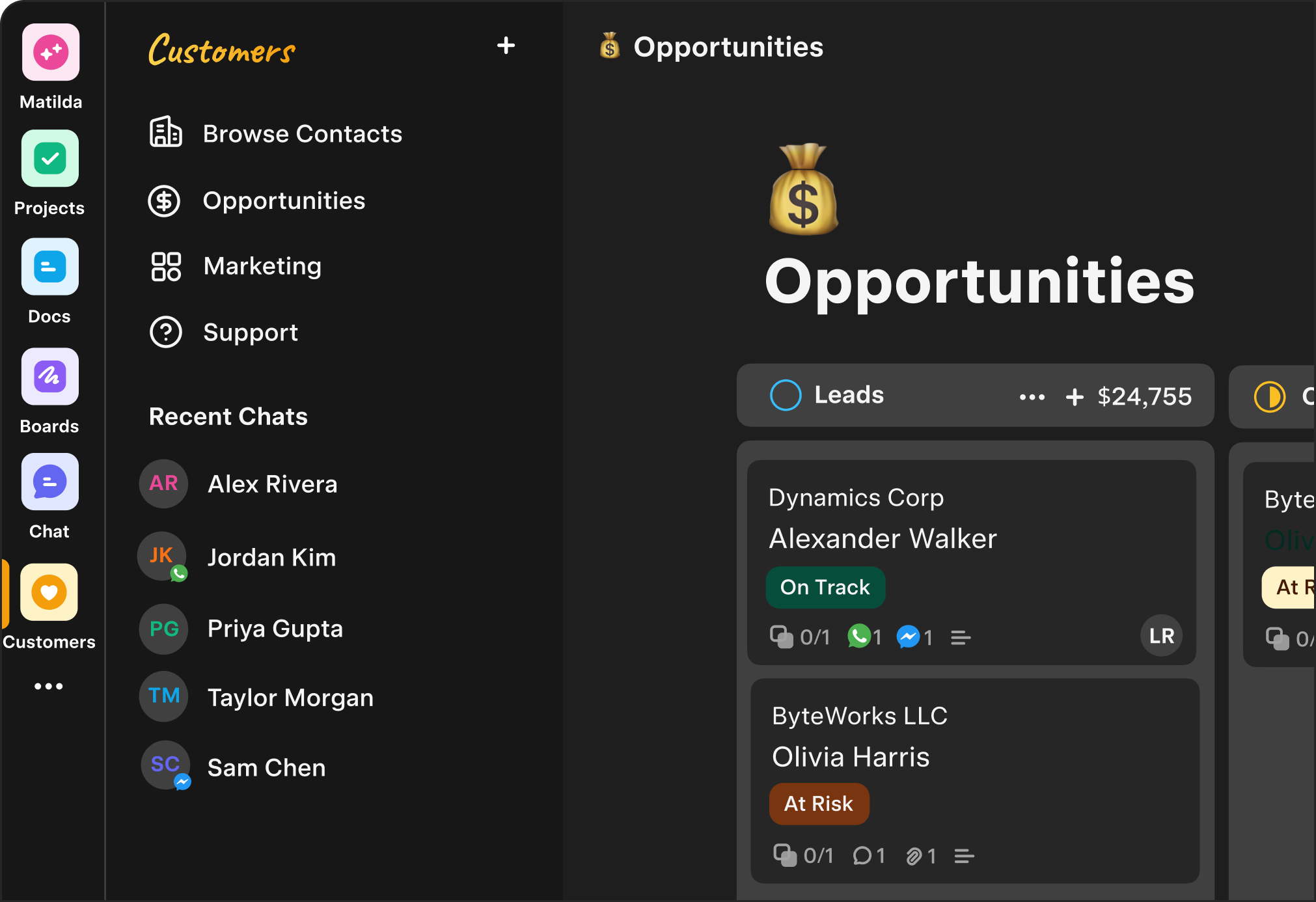
Customers
-

Agents
-

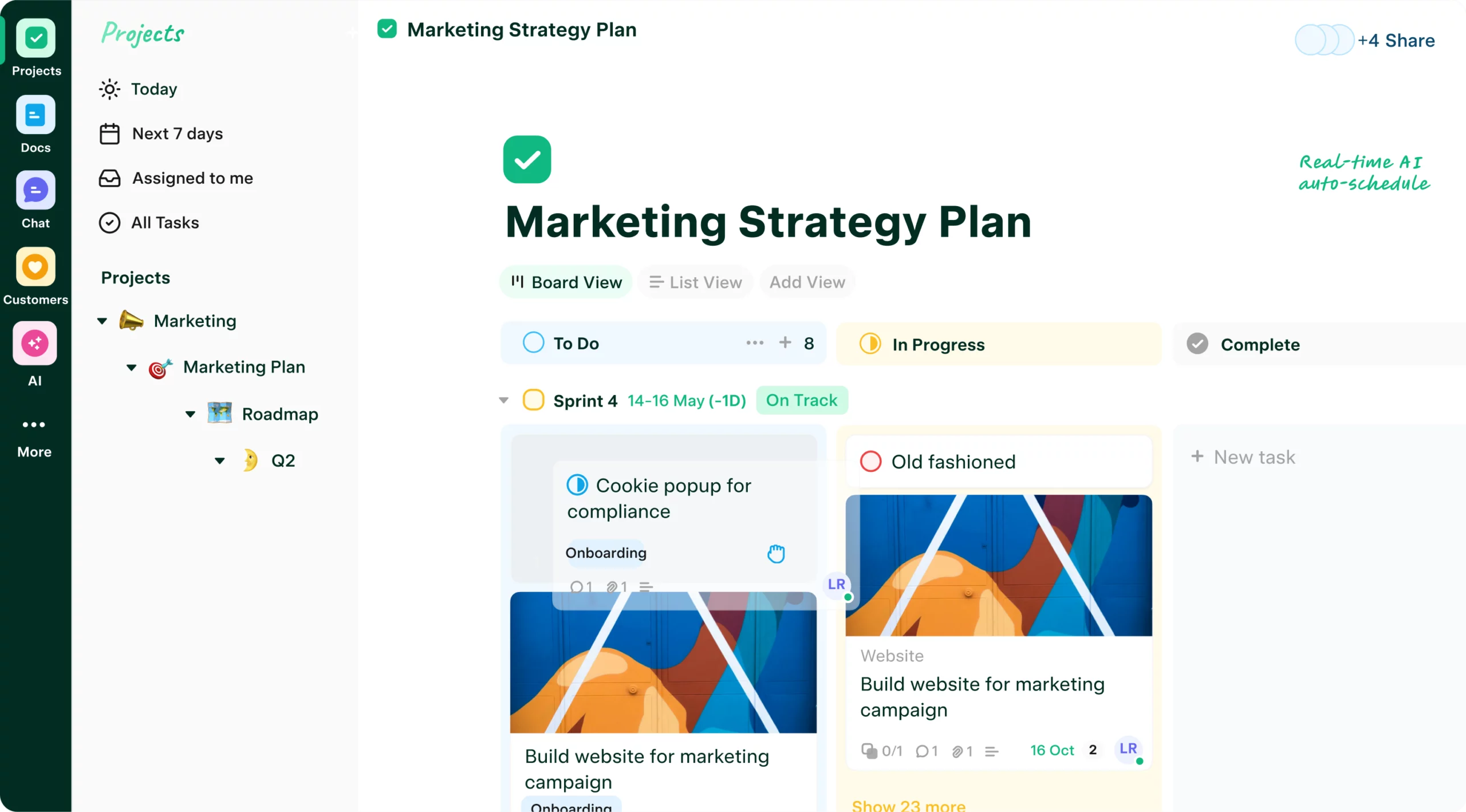
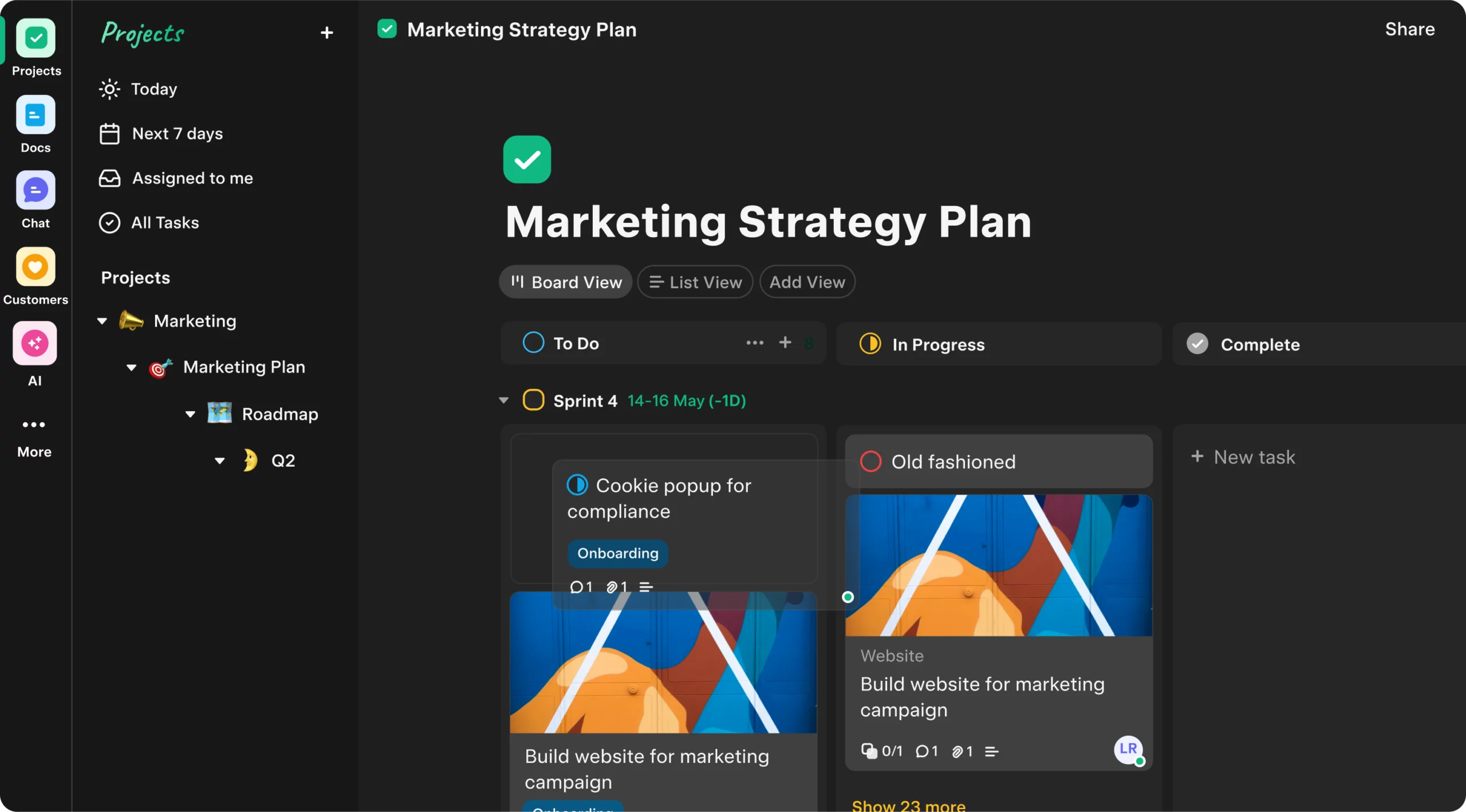
Projects
-

Docs
-

Tables
-

Boards
-

Chat
-

Automate
-
Customers
Effortlessly track leads, manage customer interactions, and nurture lasting relationships.
Try free- Leads
- CRM
- Email & Calendar Sync
- Pipelines
- FAQ
- Support
- Tickets
-
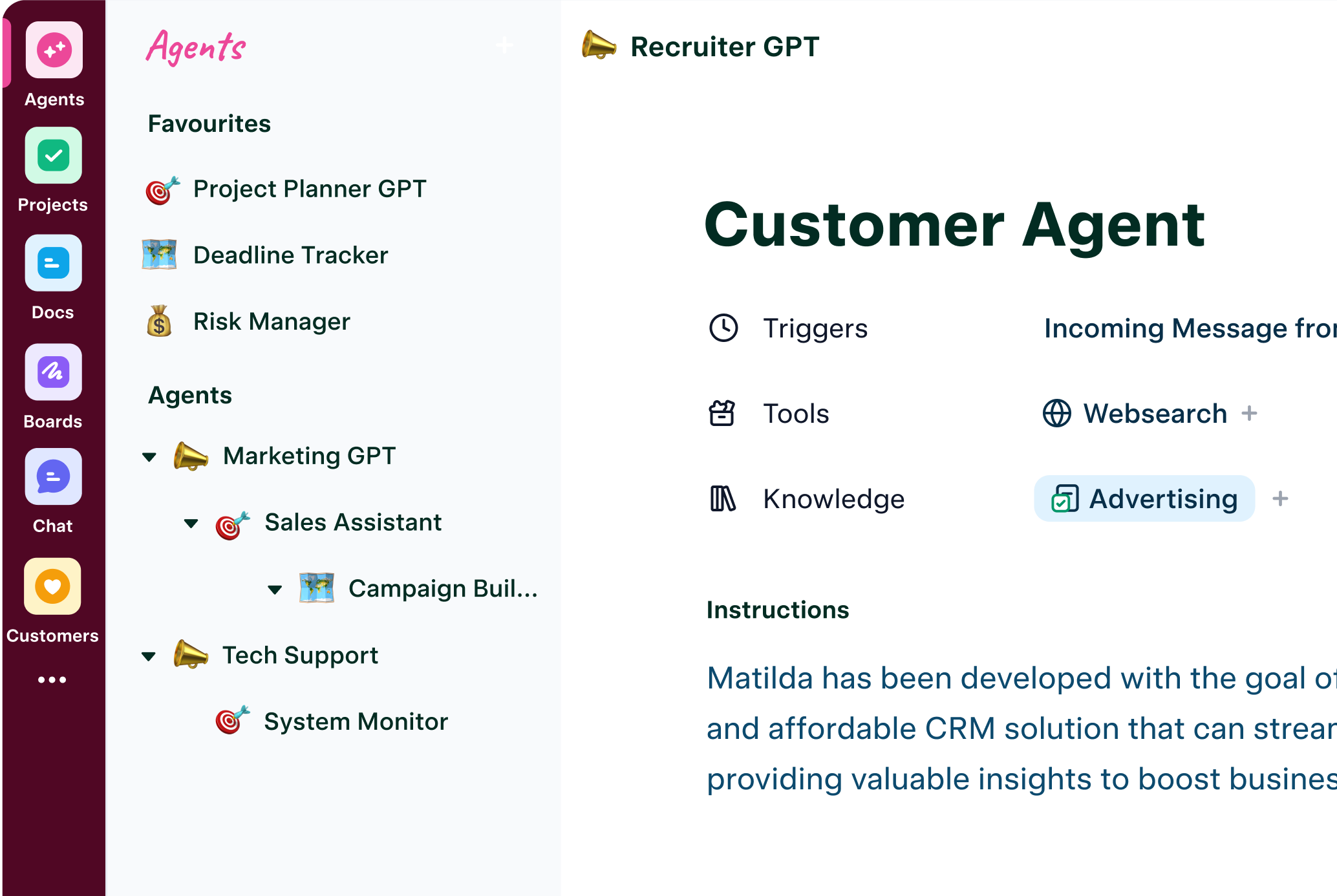
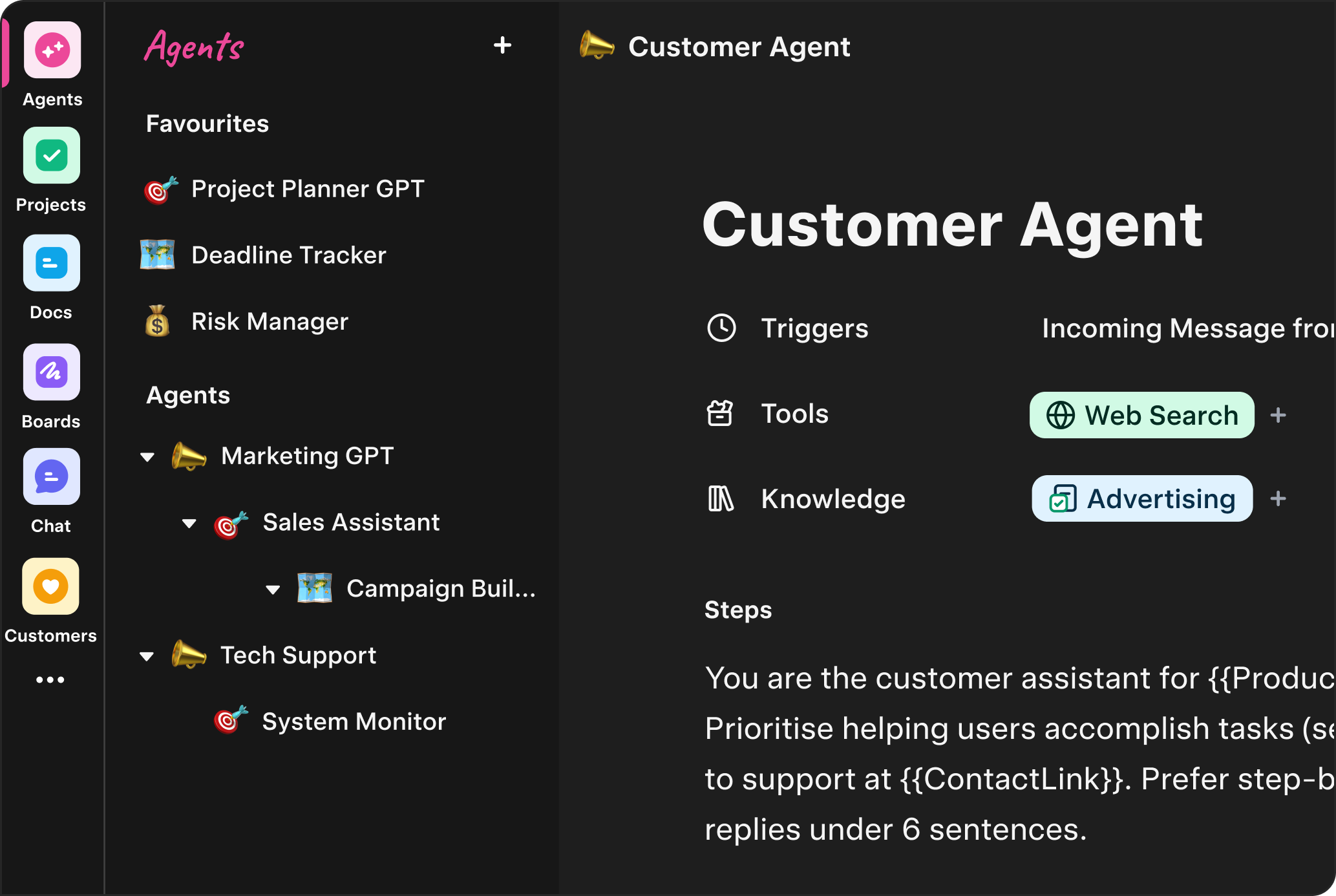
Agents
Launch agents automatically based off conditions & actions across your workspace—no third-party glue.
Try free- Triggers
- Conditions
- Actions
- Review Gates
- Forecasting
- Loops
-
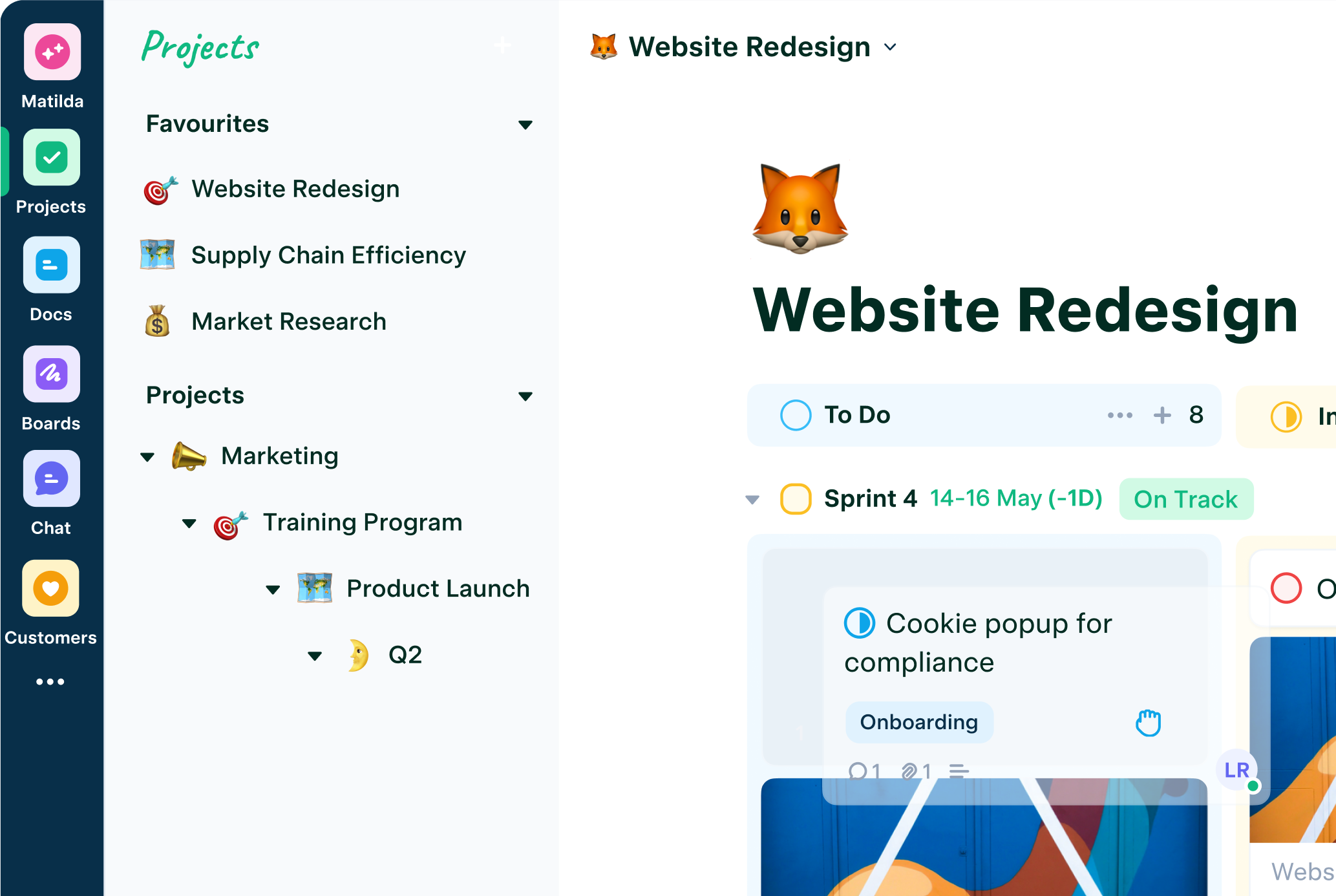
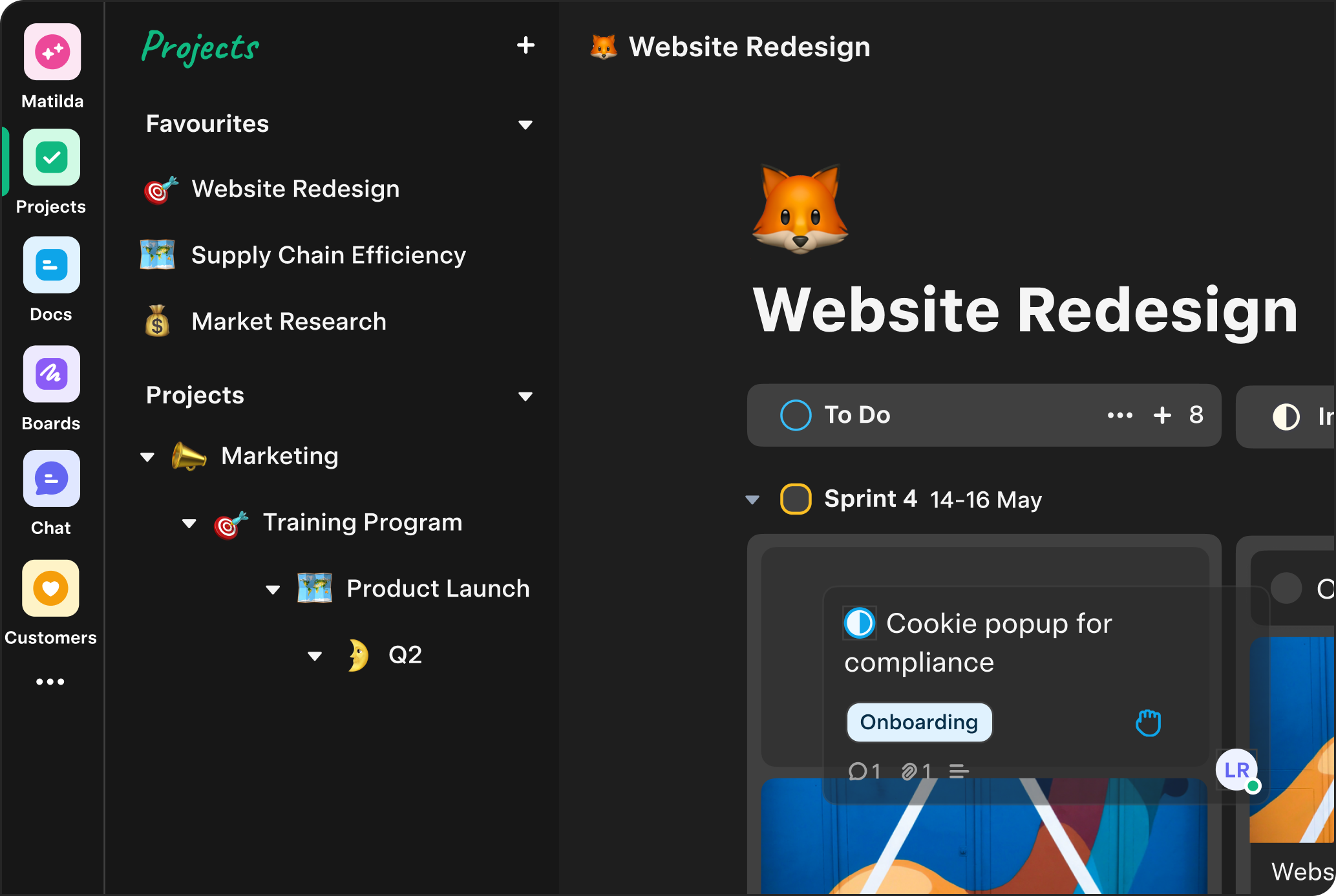
Projects
Plan, track, and ship. Turn specs and notes into tasks automatically.
Try free- Sprints
- Roadmaps
- Forecasts
- Tickets
- Issue Tracking
- Releases
- Timelines
-
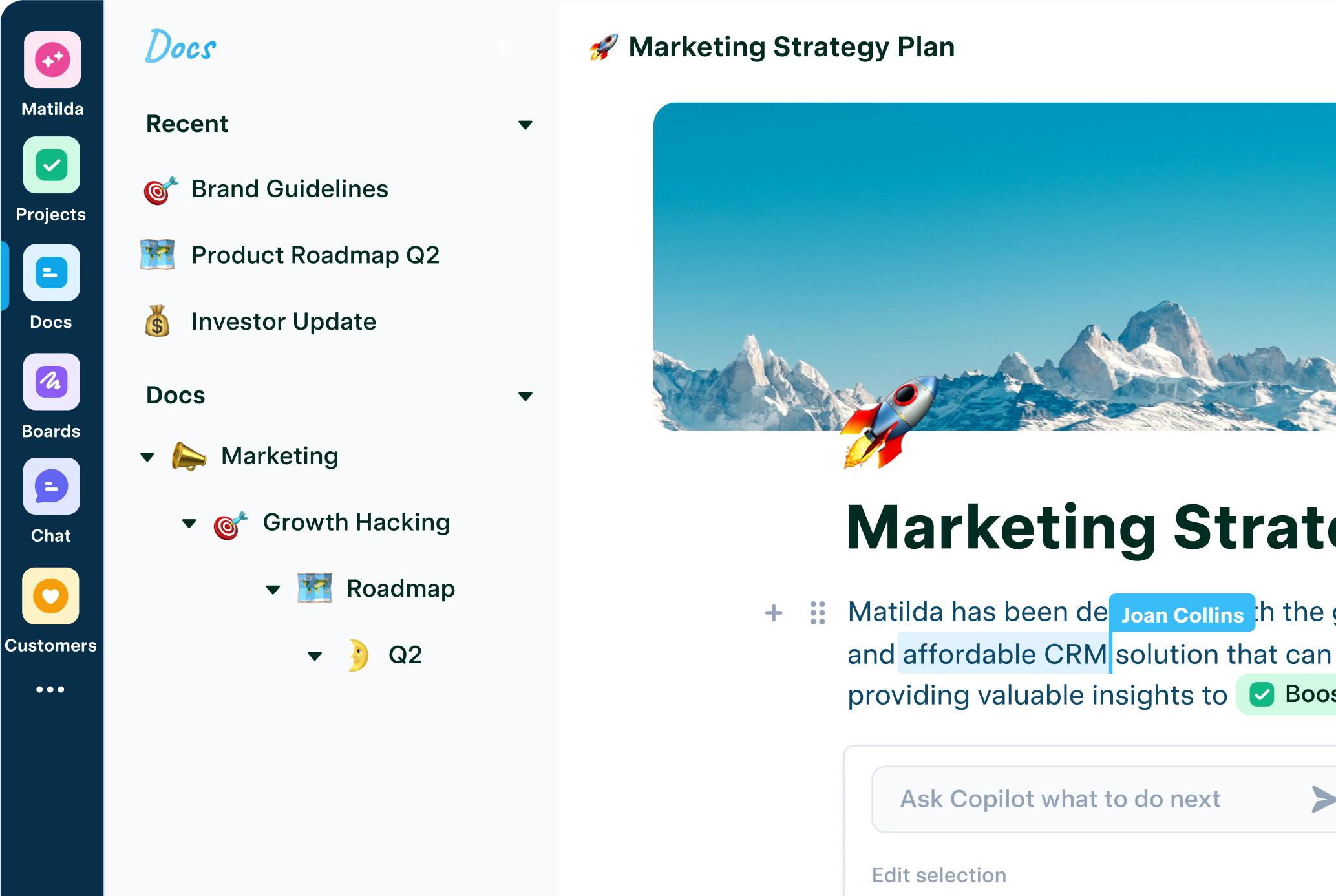
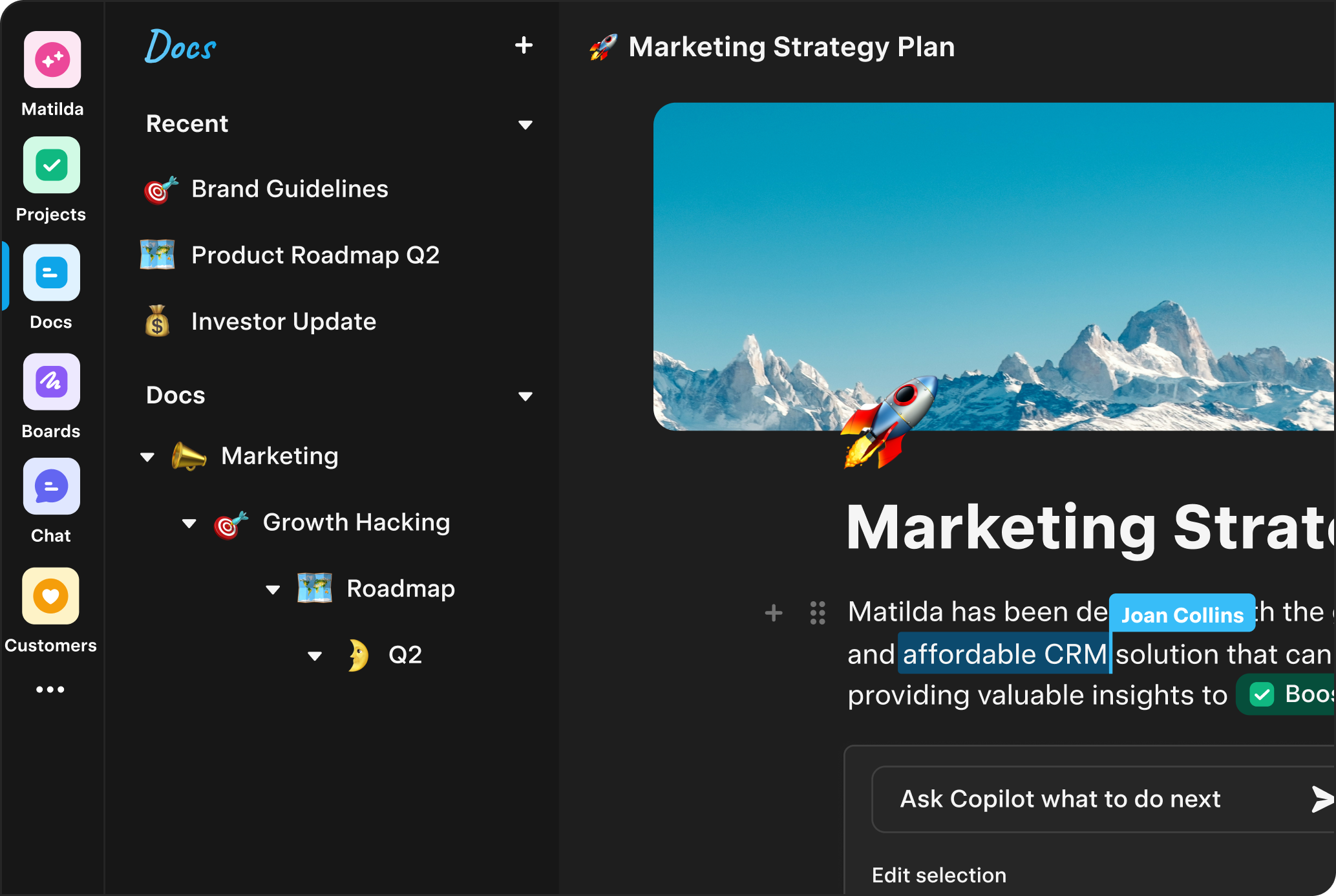
Docs
Write, co-edit, and review with AI inside docs.
Try free- Knowledge Base
- Meeting Notes
- Wiki
- Content
- Campaigns
- Training
-
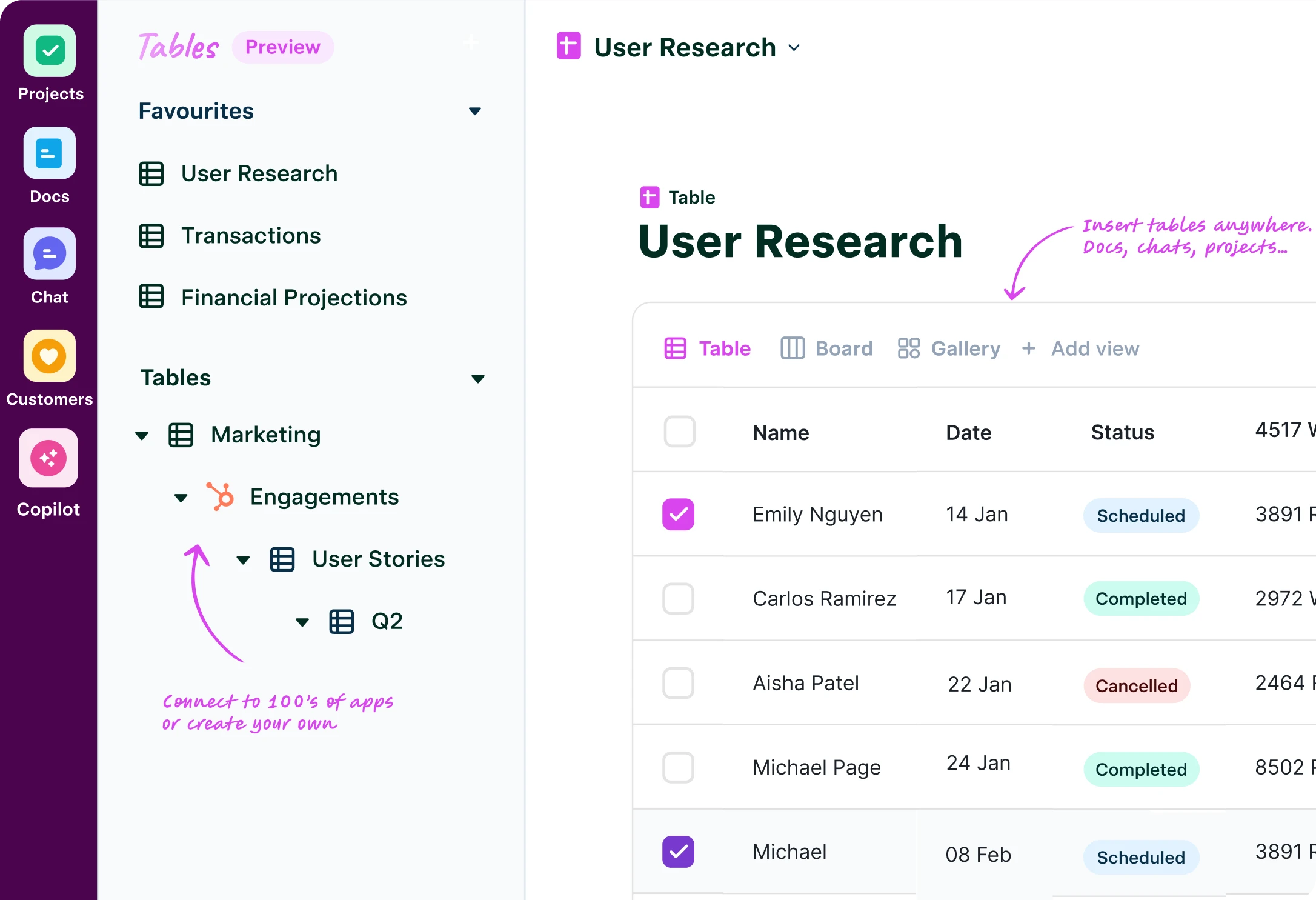
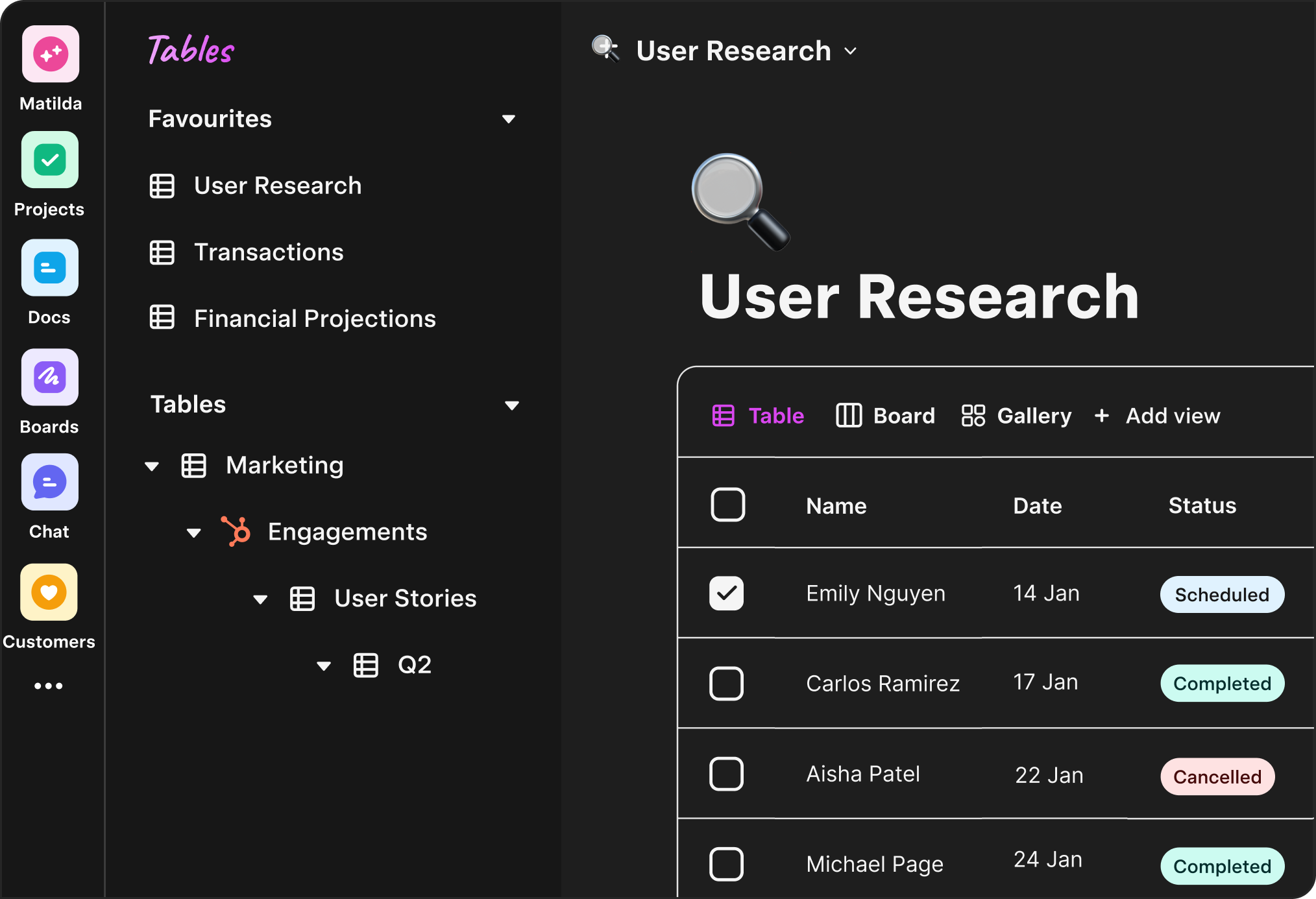
Tables
Tables that talk to Projects, Docs, and Customers—keep work and data in sync.
Try free- Two-Way Sync
- Databases
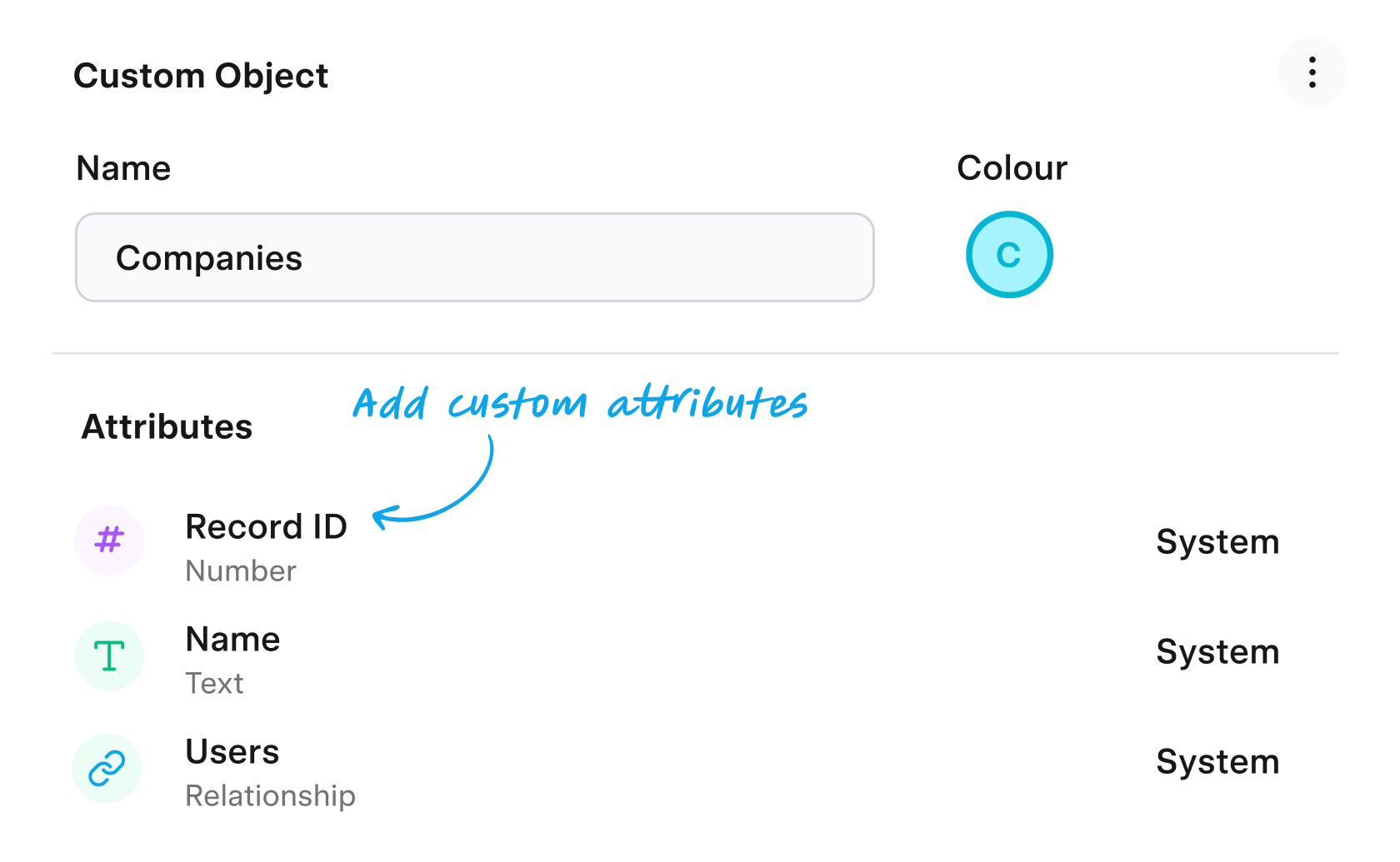
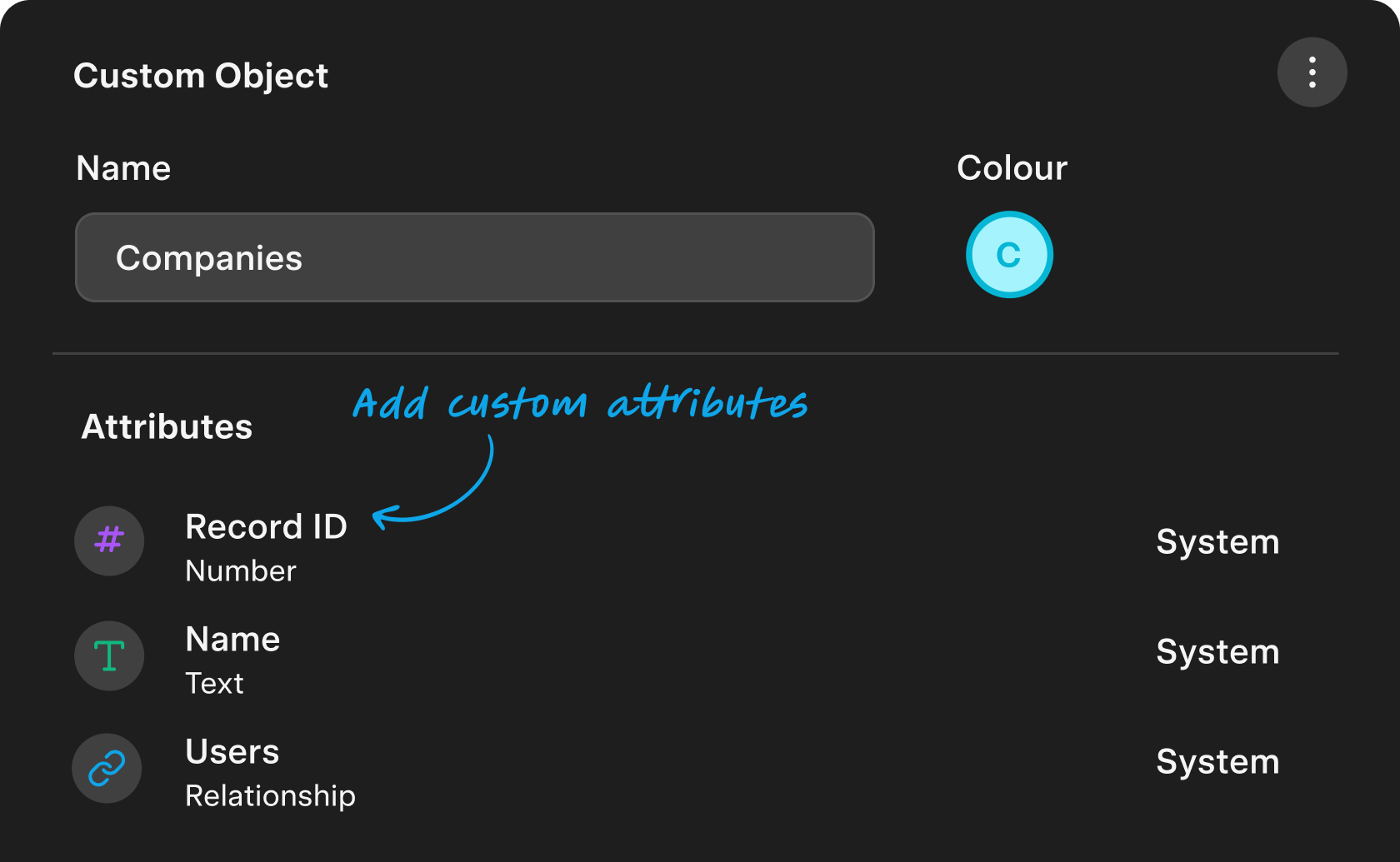
- Custom Objects
- Relationships
-
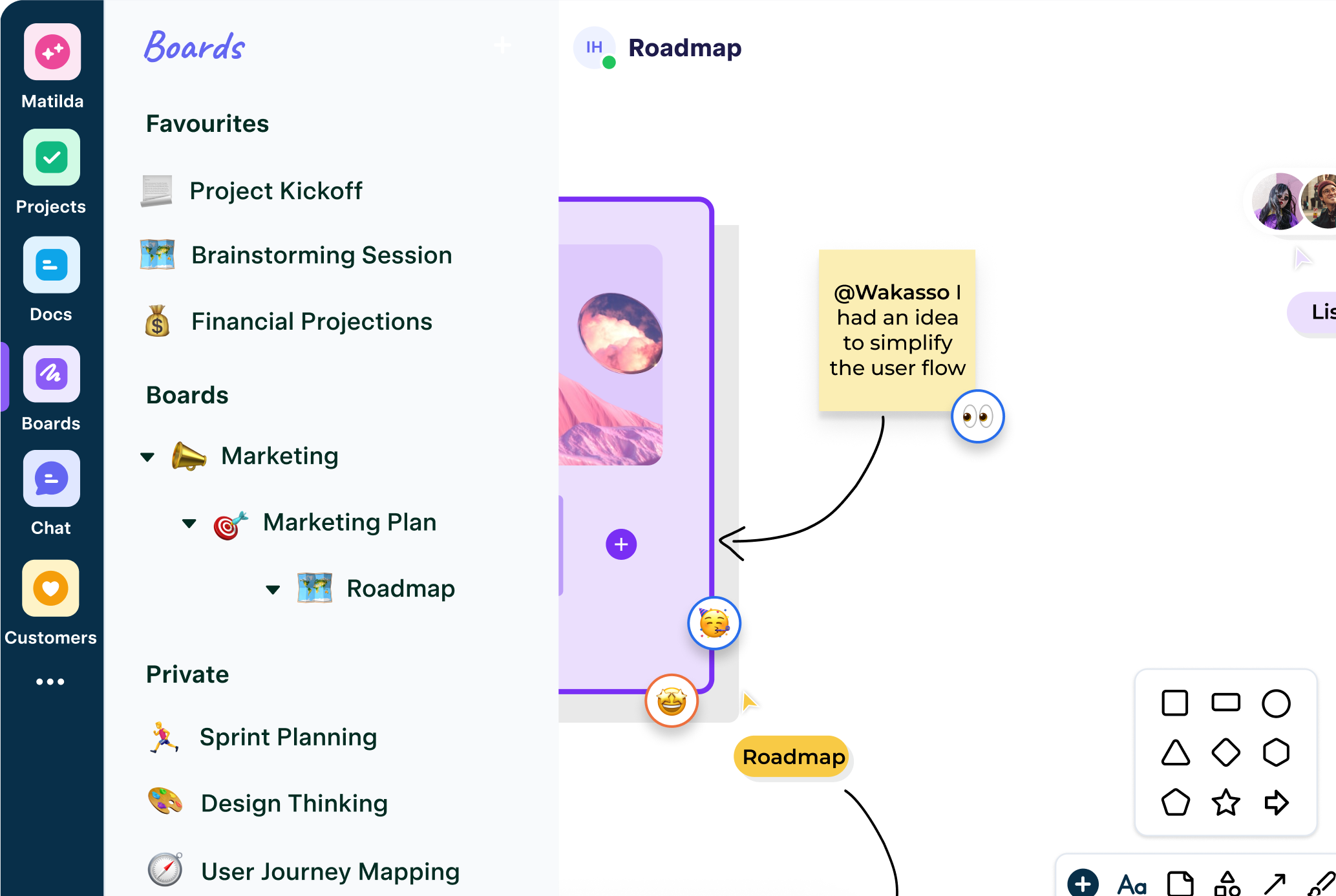
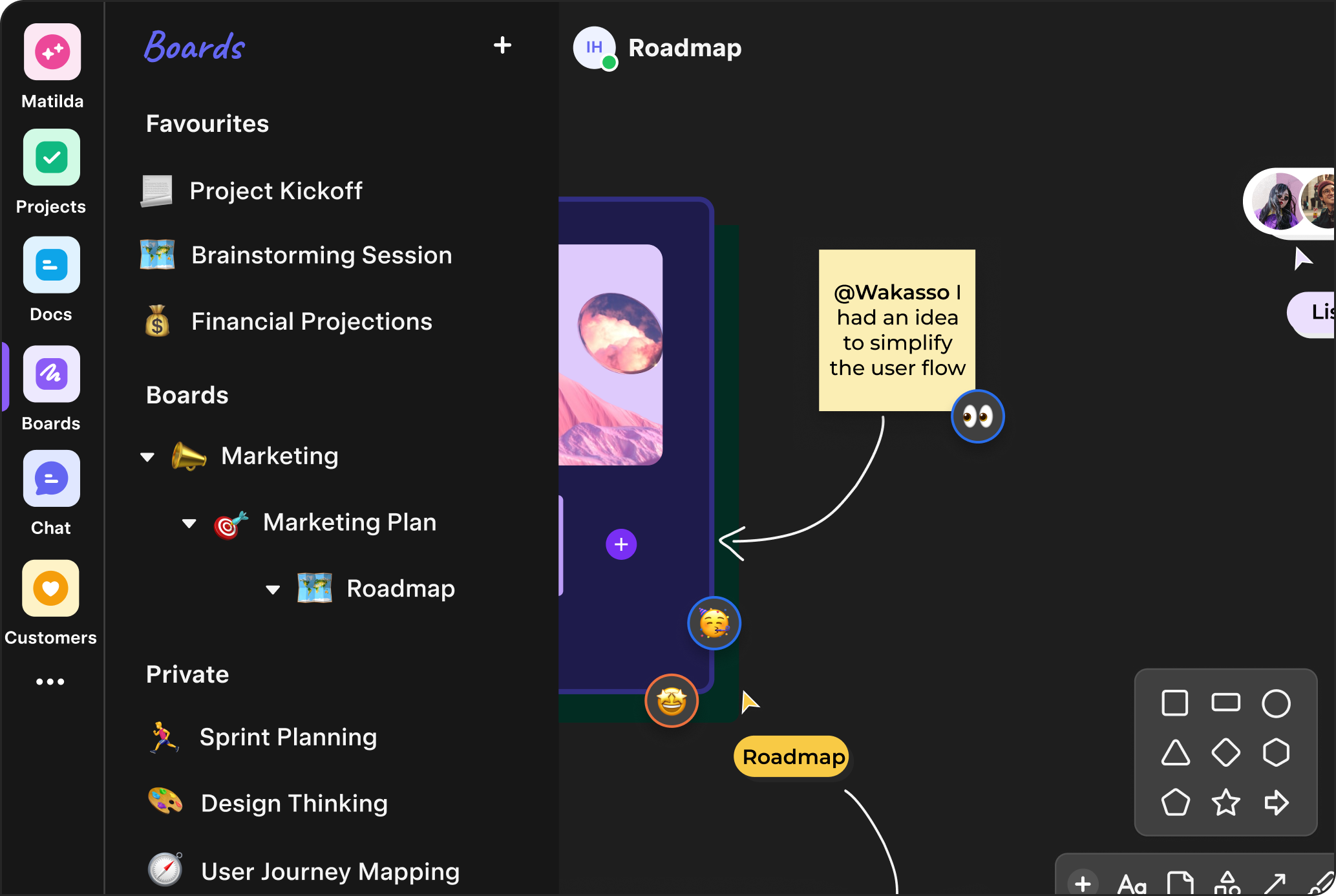
Boards
Think visually. Turn sticky notes into tasks and docs with one click.
Try free- Mind Maps
- Frames
- Diagrams
- Flowcharts
- Templates
- Connectors
-
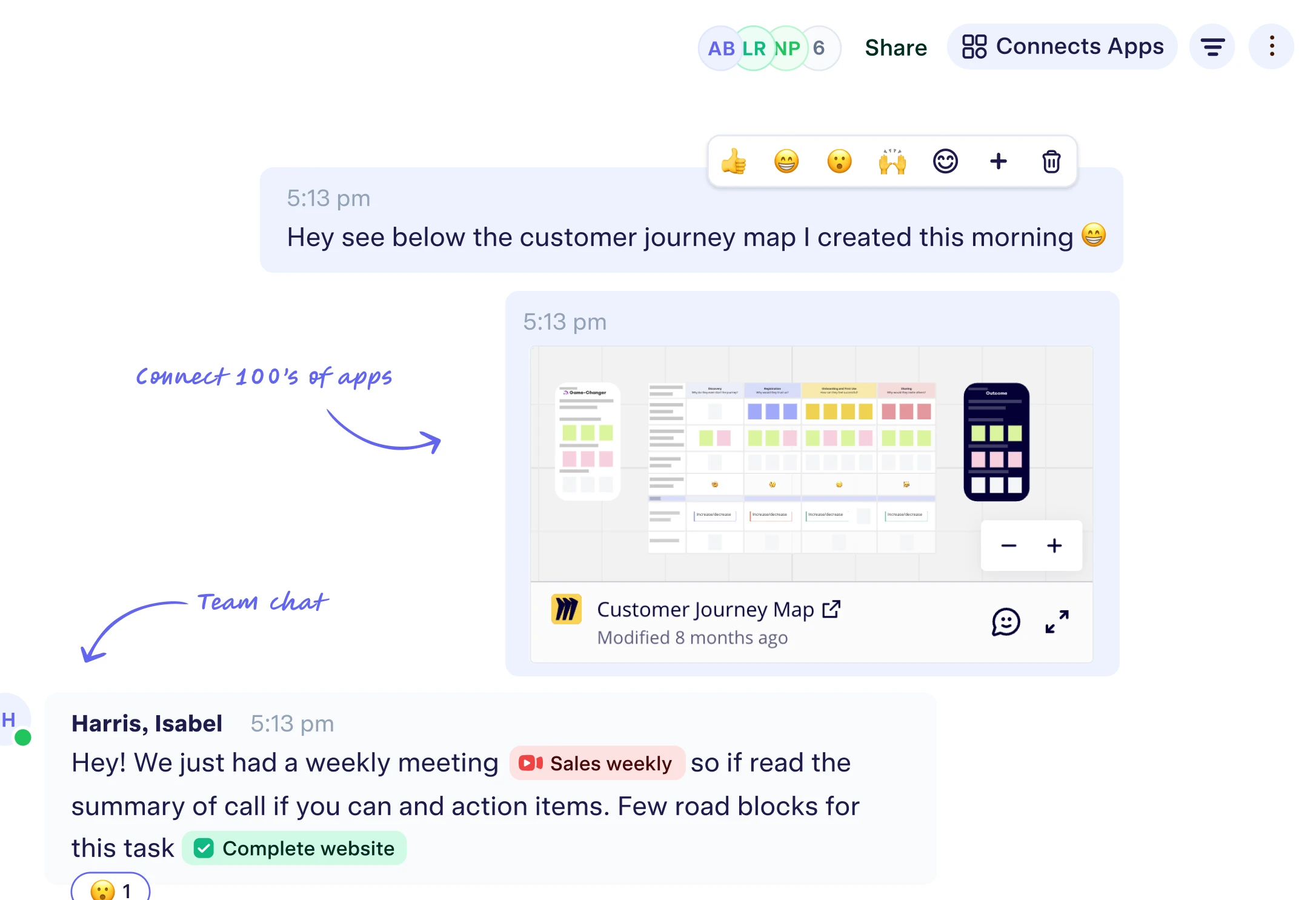
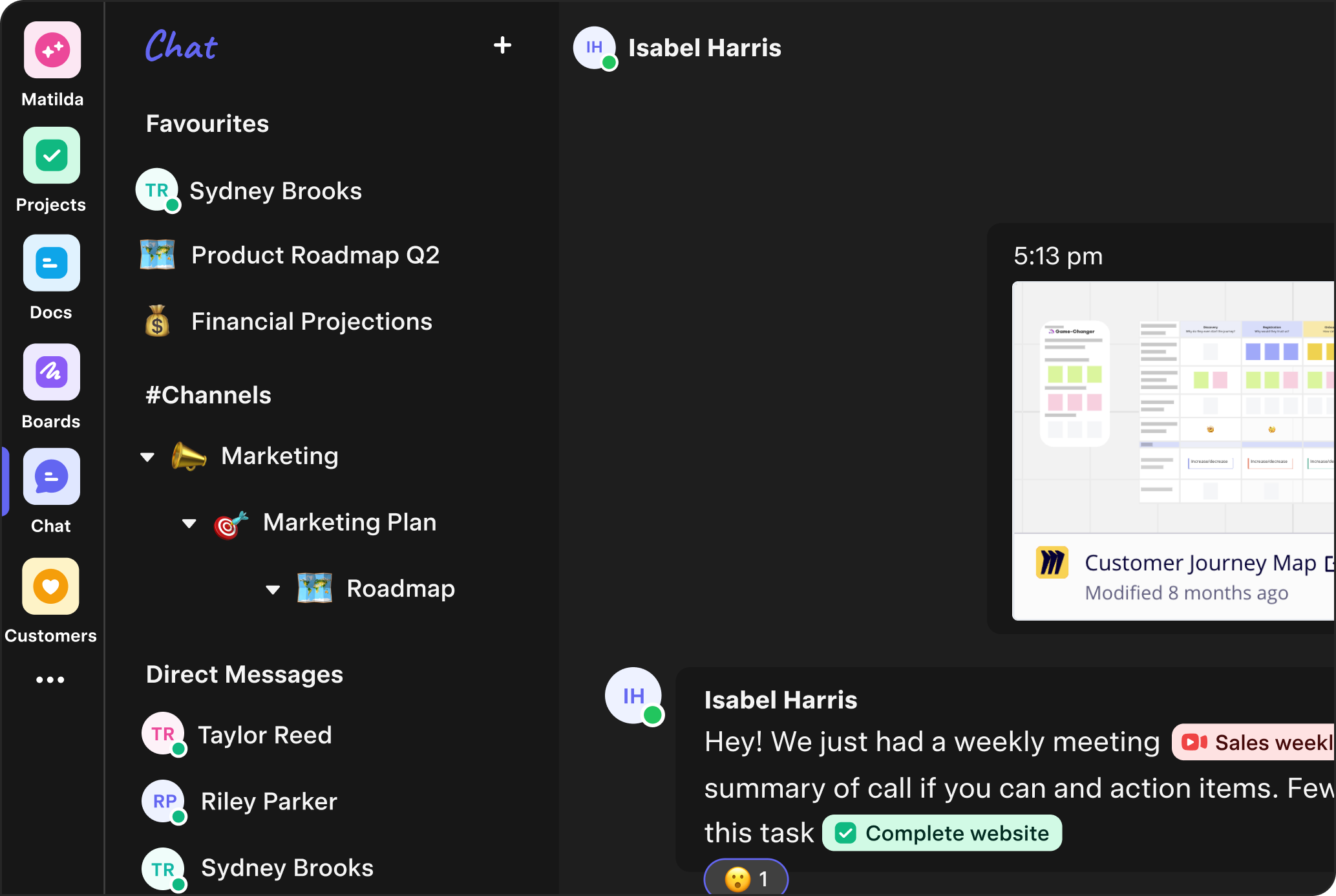
Chat
Modern team chat with direct messages and channels—auto-linked to projects and customer records.
Try free- Direct Messages
- Channels
- GIF
- @Mentions
- Threads
- Emoji
-
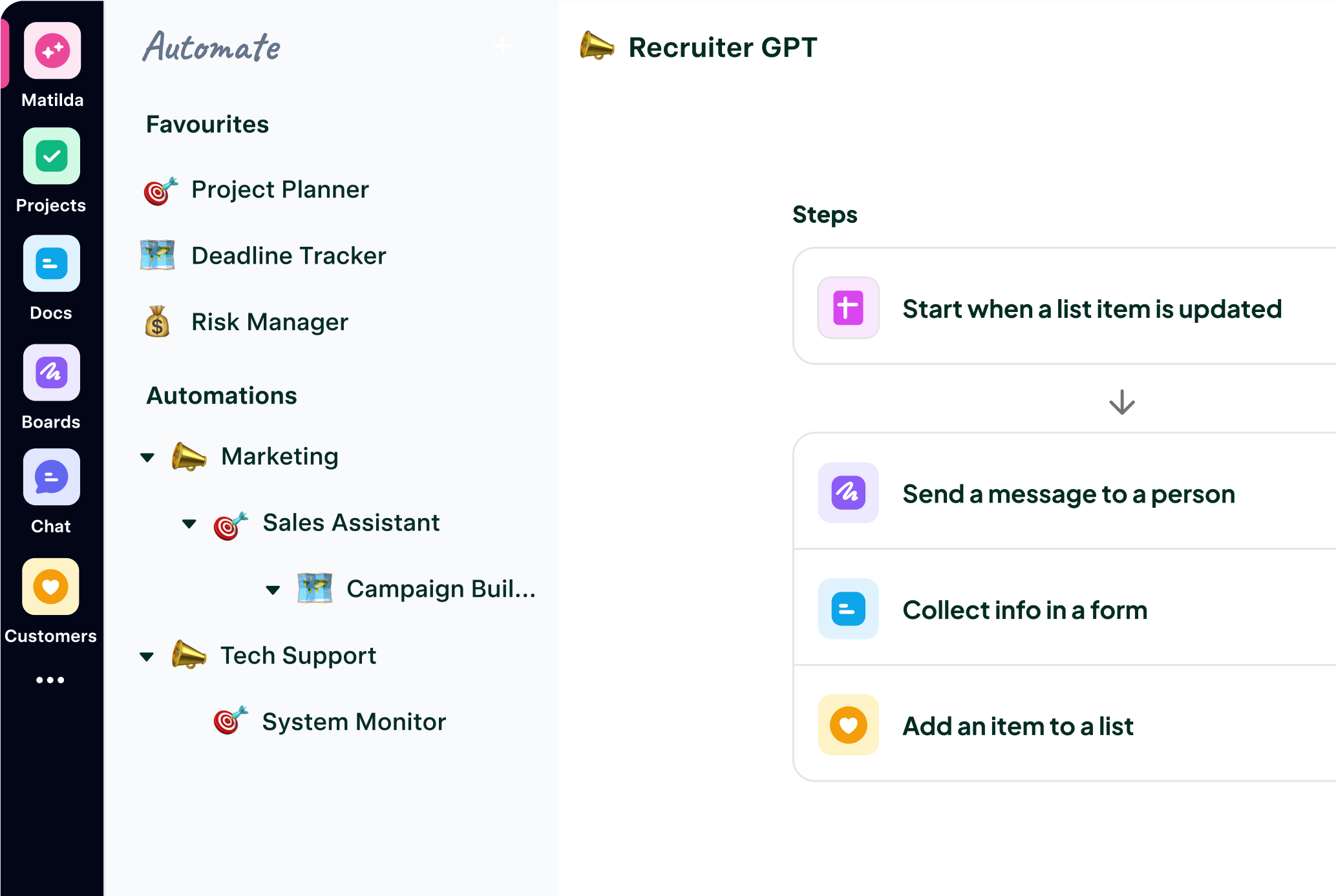
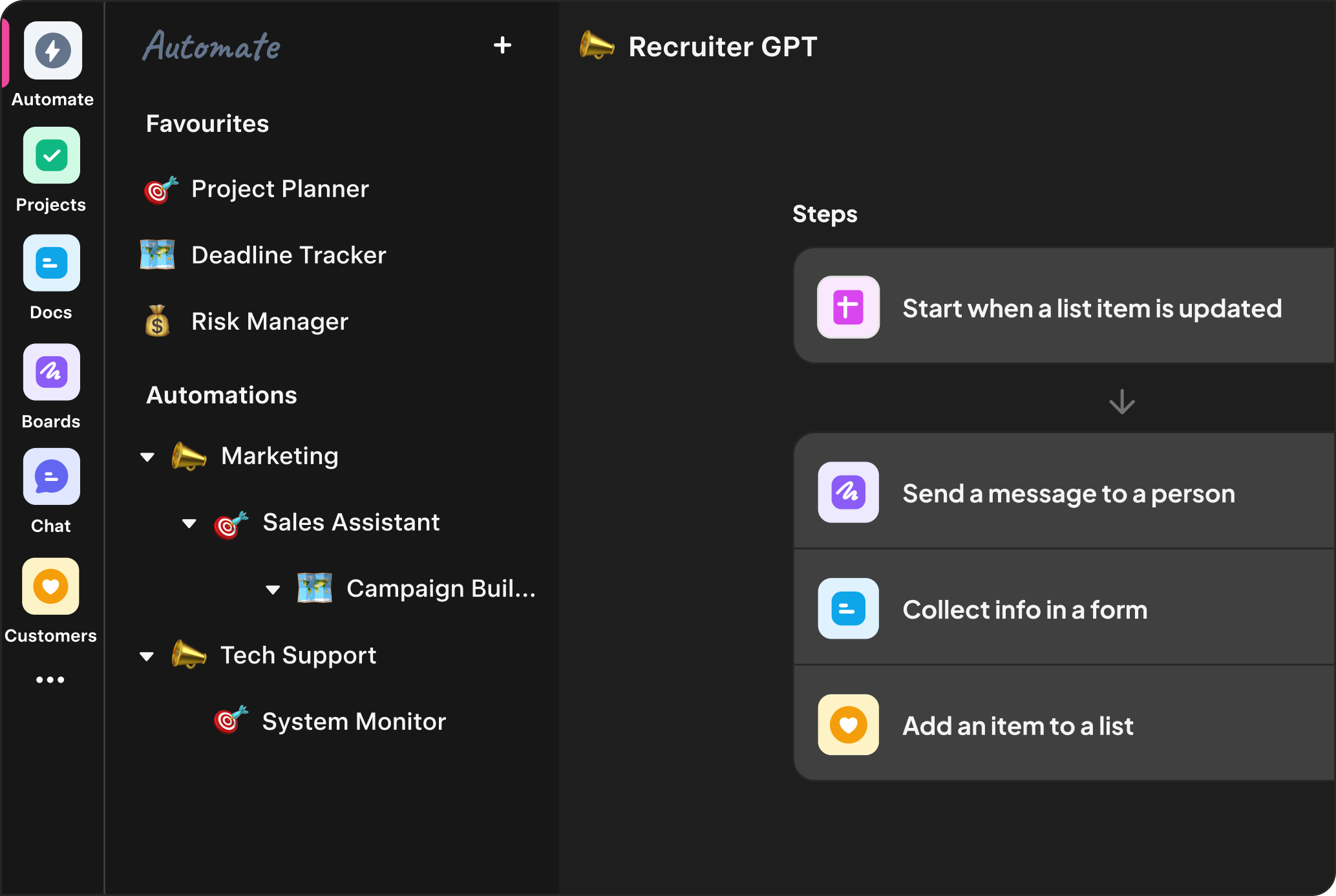
Automate
If-this-then-that workflows without third-party glue. Triggers, conditions & actions across all Matilda apps.
Try free- Multi-Step
- Branching
- Agents
- Human-in-the-Loop
- Native
Built on trusted technology








Built on trusted technology






Manage Relationships
The worlds most advanced AI customer platform
Dynamic pipelines and audiences that update themselves; Matilda turns real-time product signals into next best actions and drafts outreach so reps focus on conversations, not clicks.
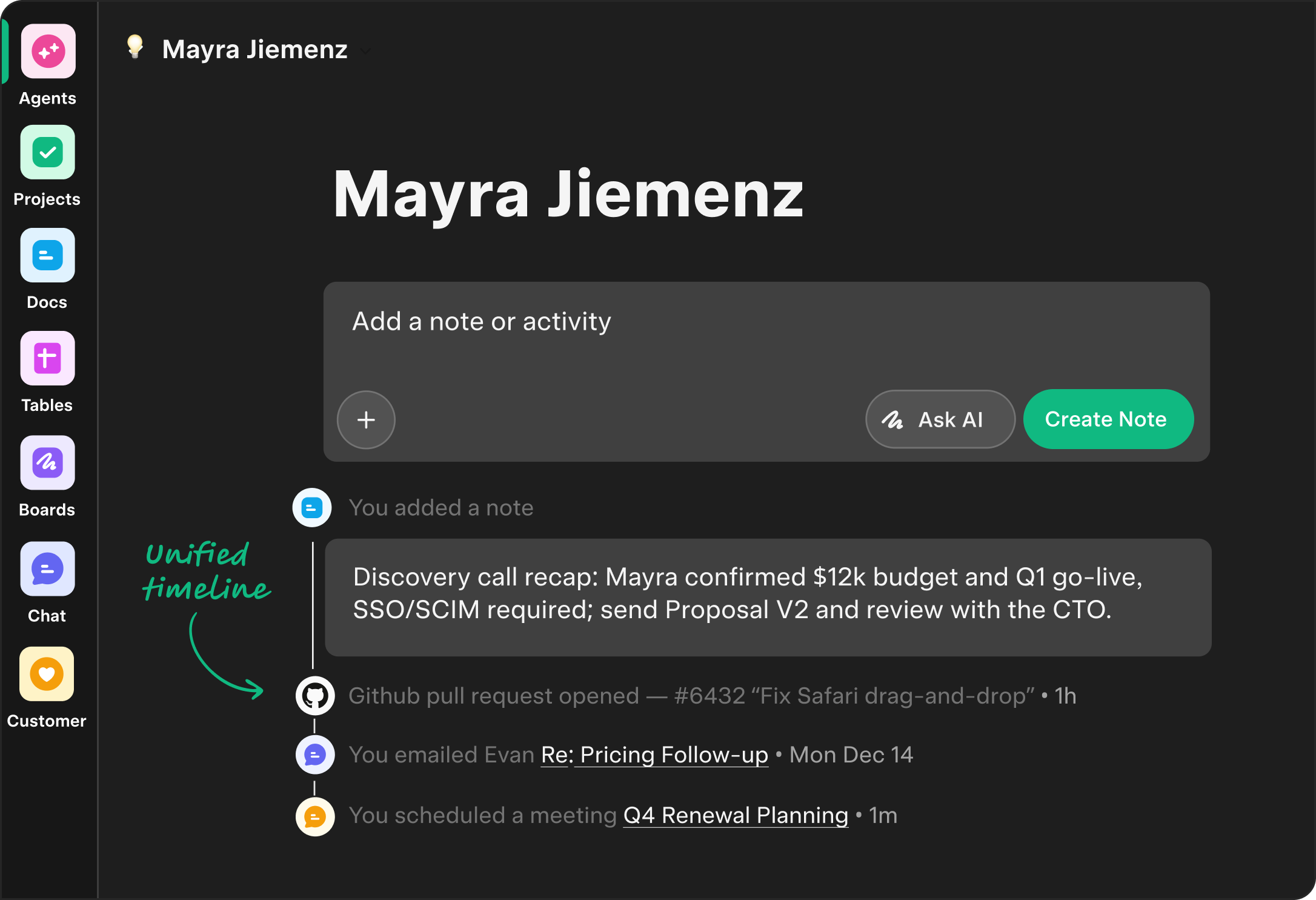
Customer 360°
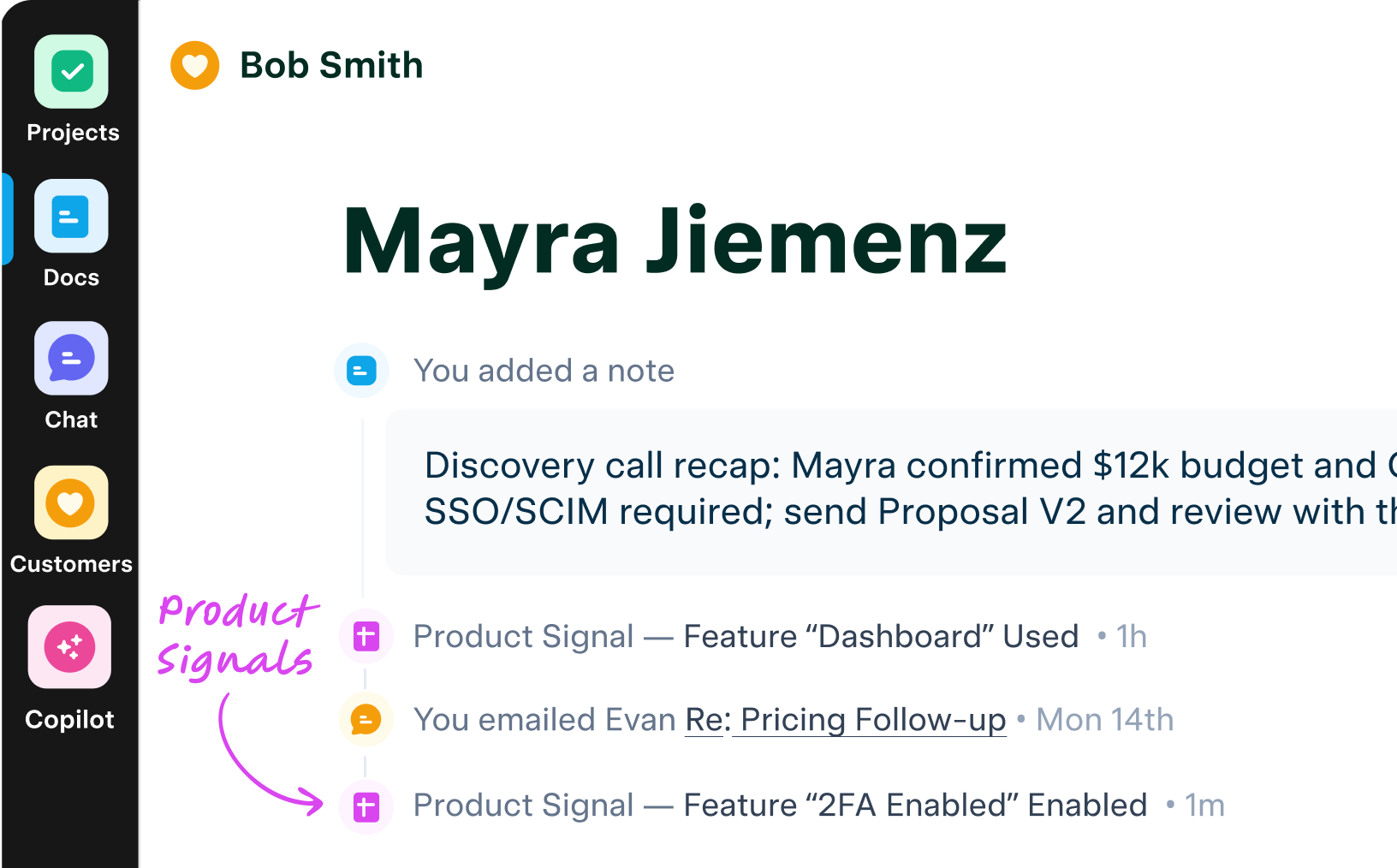
Email & calendar sync, unified activity timeline, product signals and more together with AI summaries and next steps. Try Free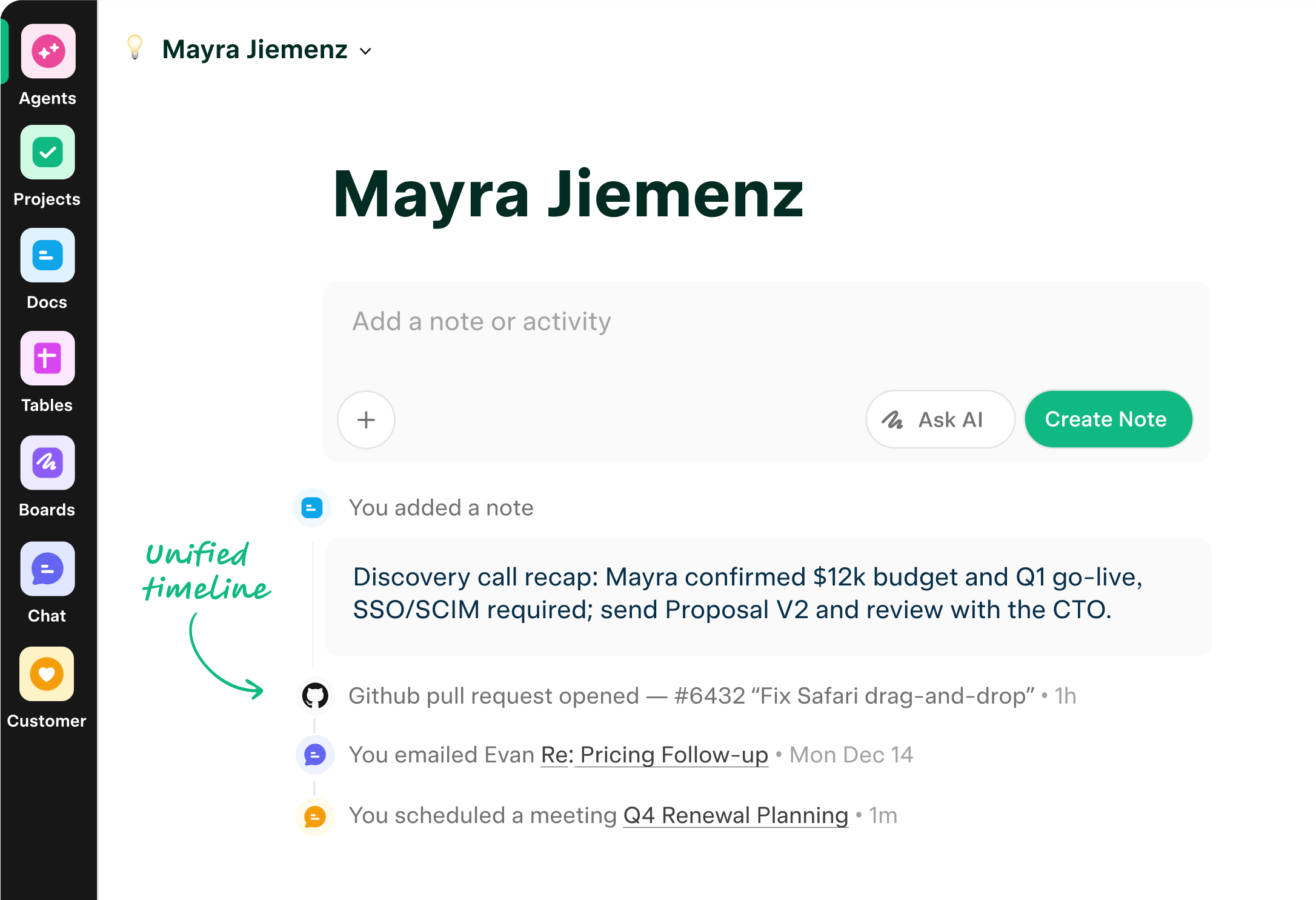
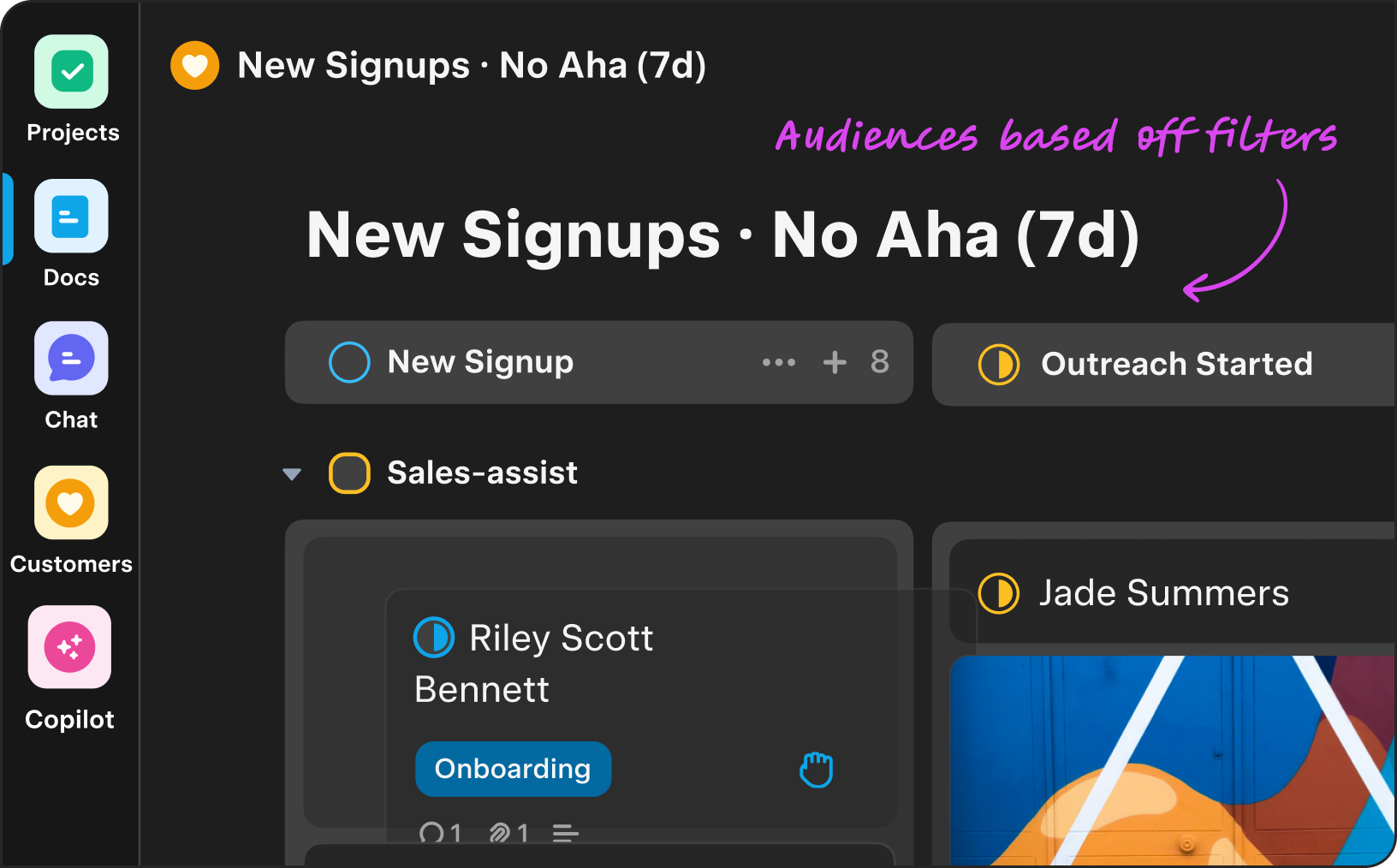
Dynamic pipelines & Audiences
Pipelines that move on their own—leads, trials, PQLs, renewals—audiences recalc in real time to trigger outreach, tasks, and follow-ups. Try Free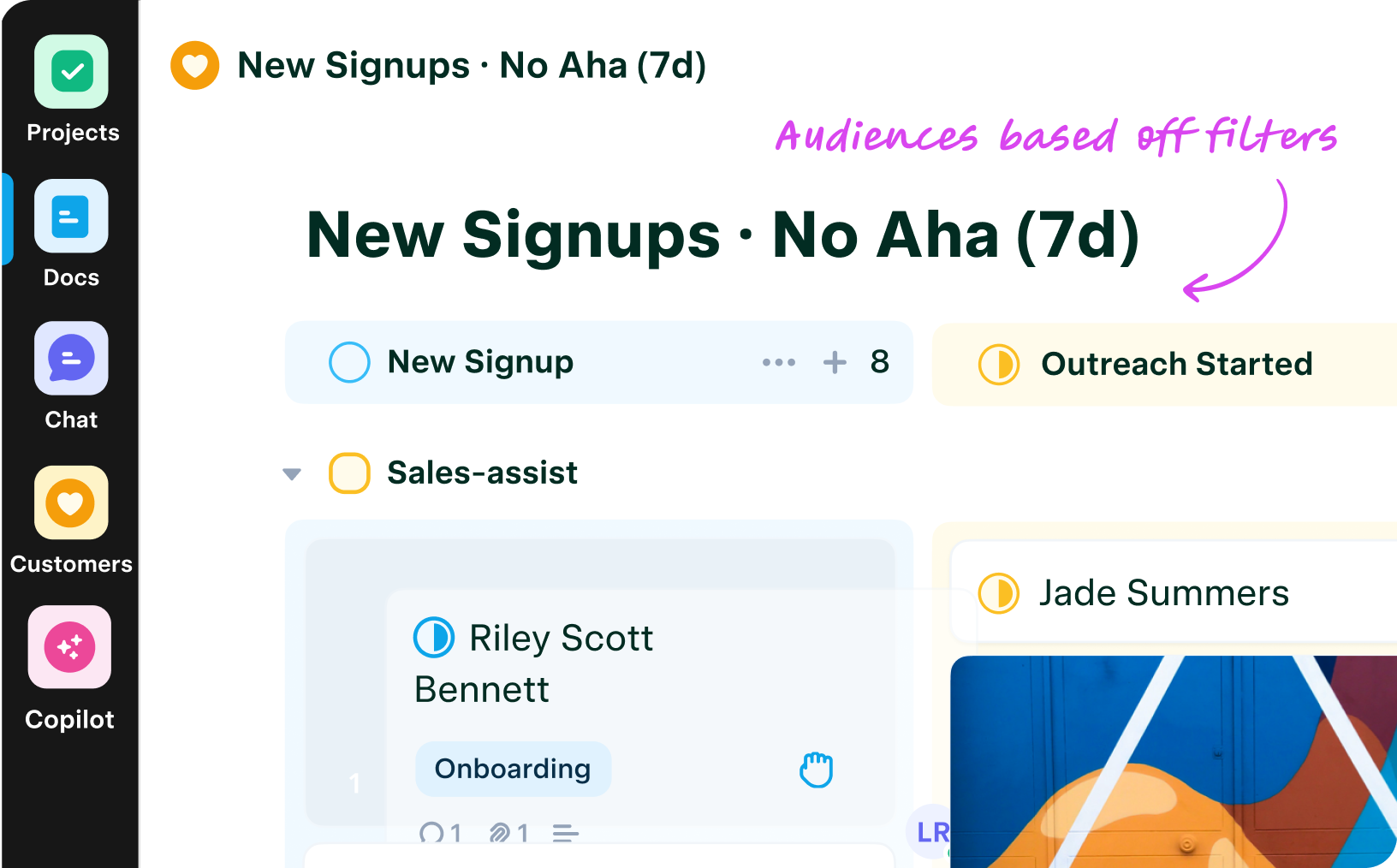
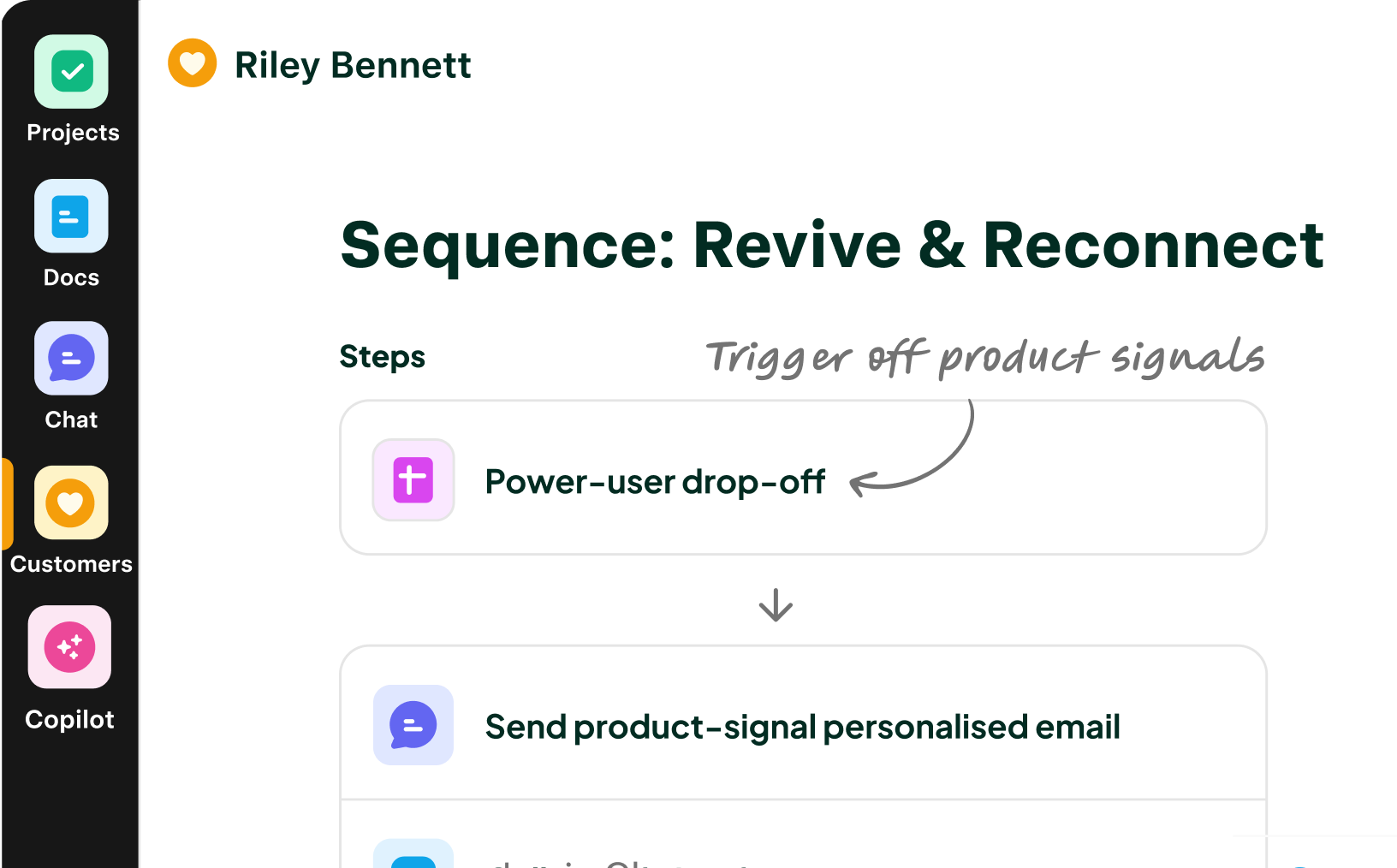
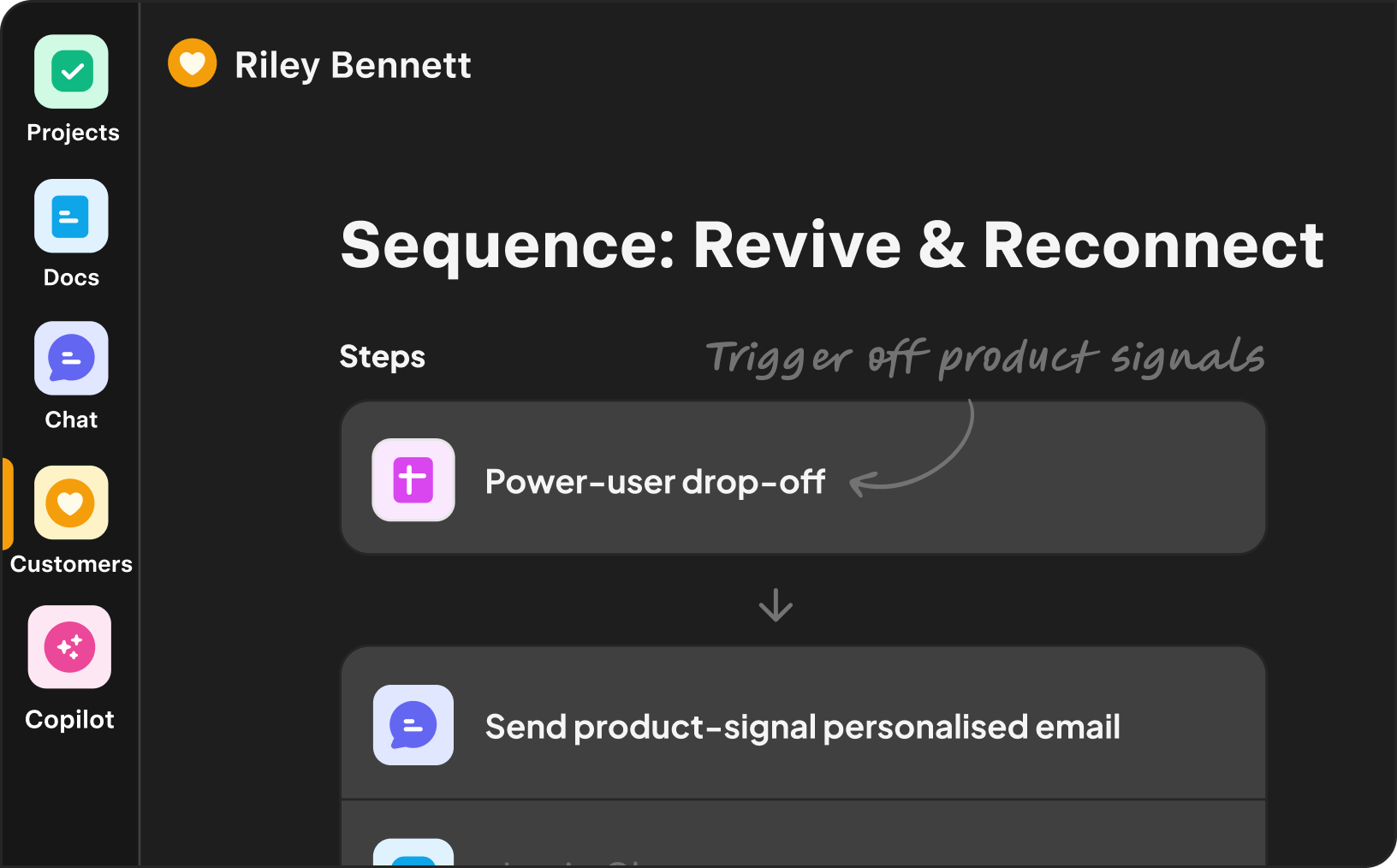
Personal outreach
at scale
AI turns live account context into tailored emails and follow-ups. Take instant action when prospects use product features, visit your website, and more.
Try Free
Collaborate on work
Work + CRM, Unified
CRM and work in one place—shared context, built-in automation, and permission-aware answers.
8 Unifiedapps.
Unified data. Unified AI.
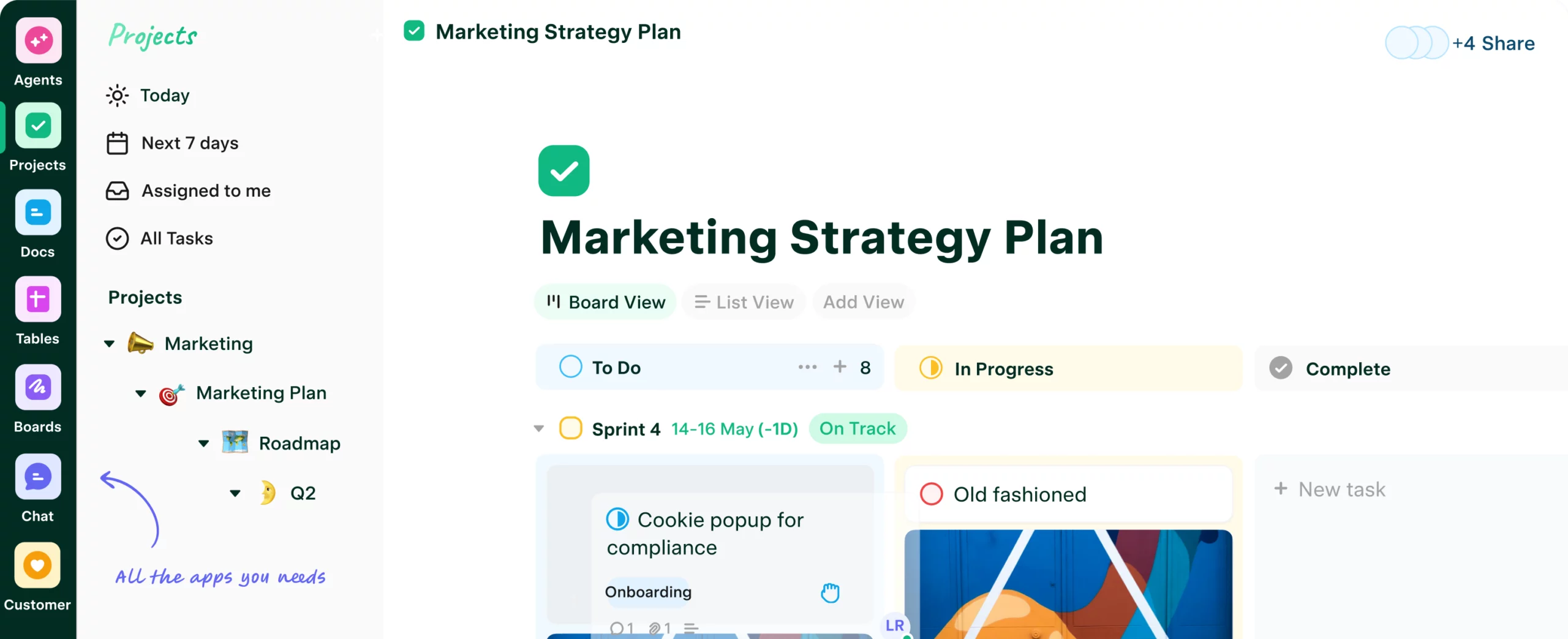
From CRM to projects and docs, everything lives on one AI knowledge graph—so AI connects the dots, not just searches files.
Matilda Intelligence (AI)
Bringing the magic of AI to customers
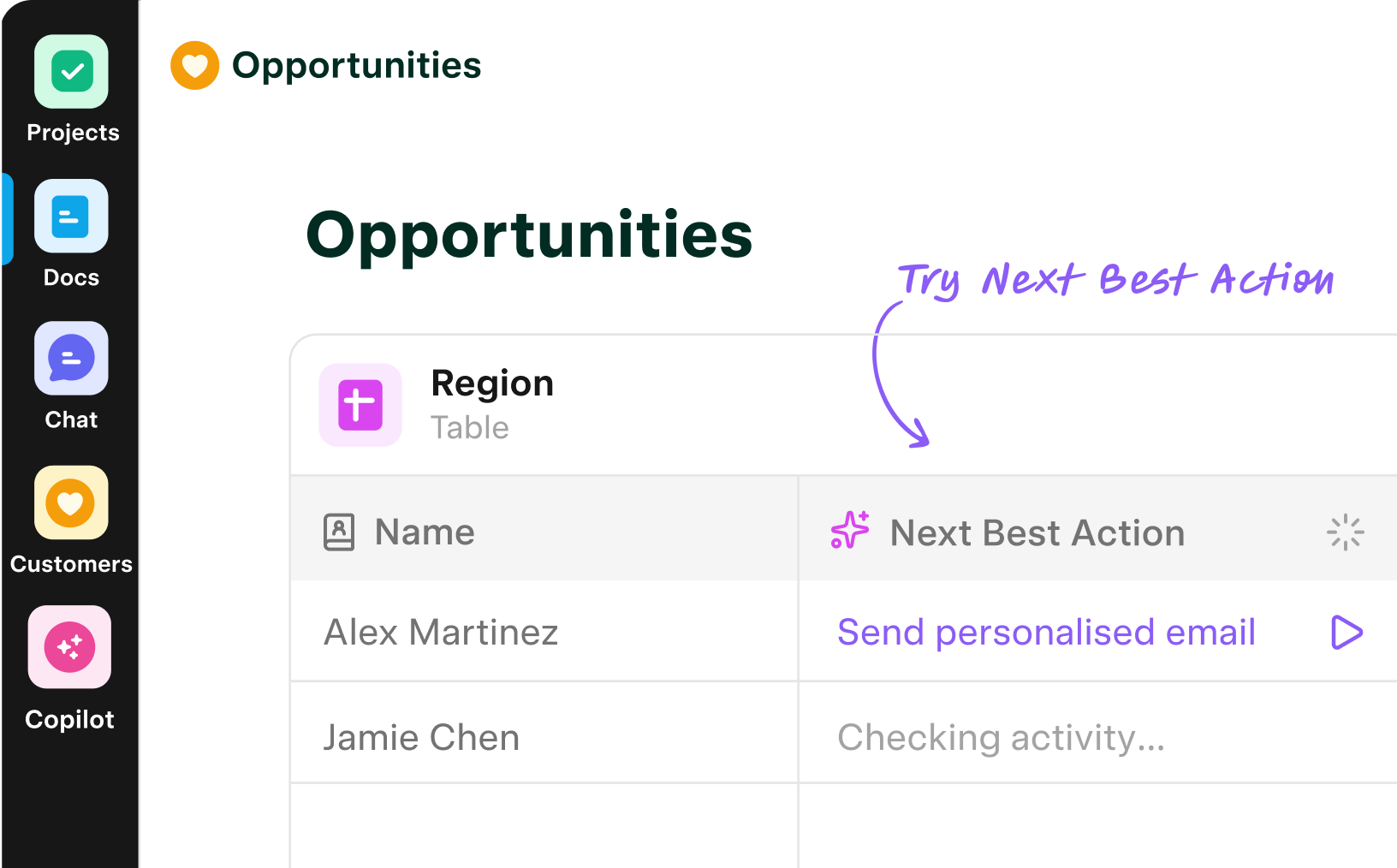
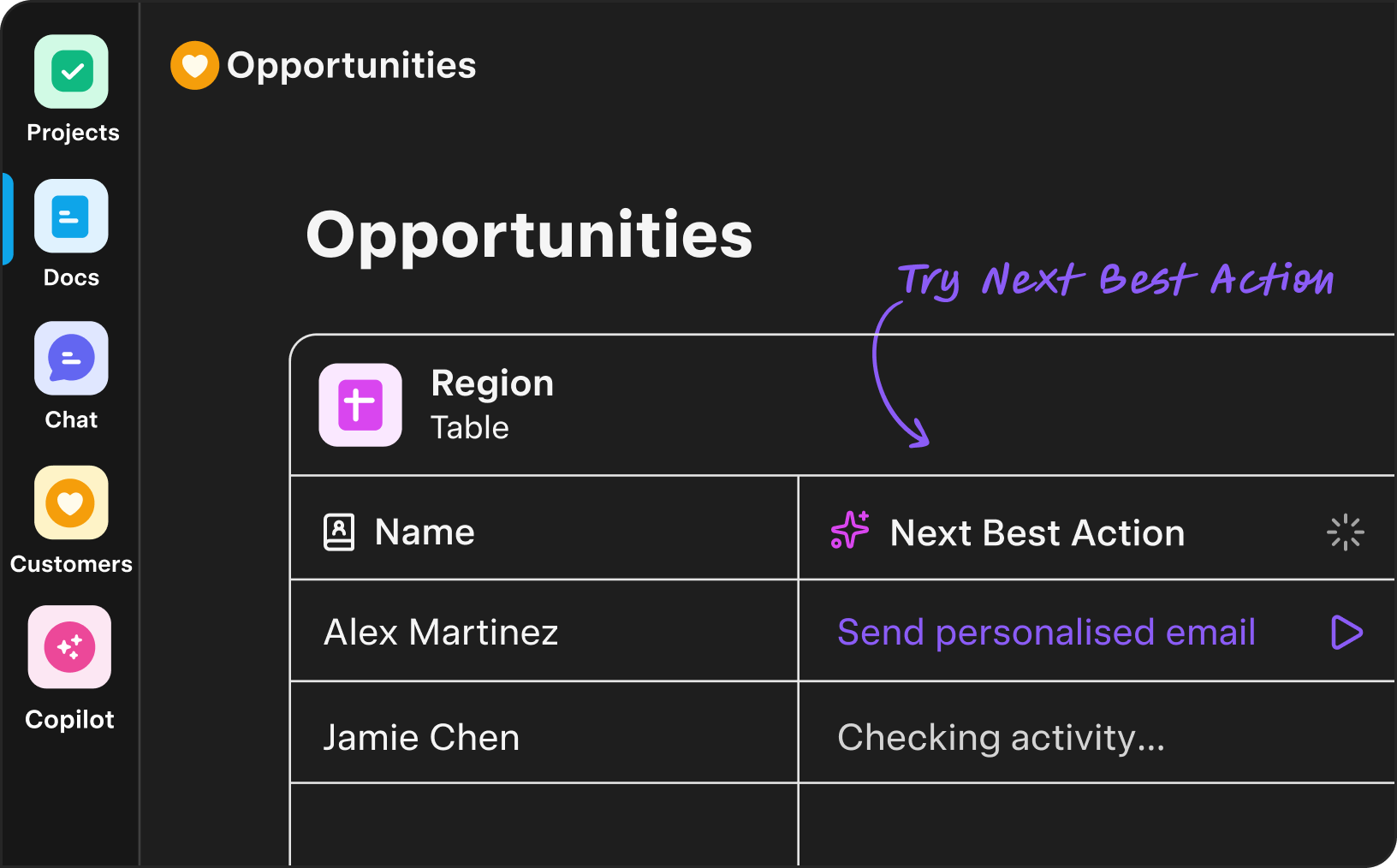
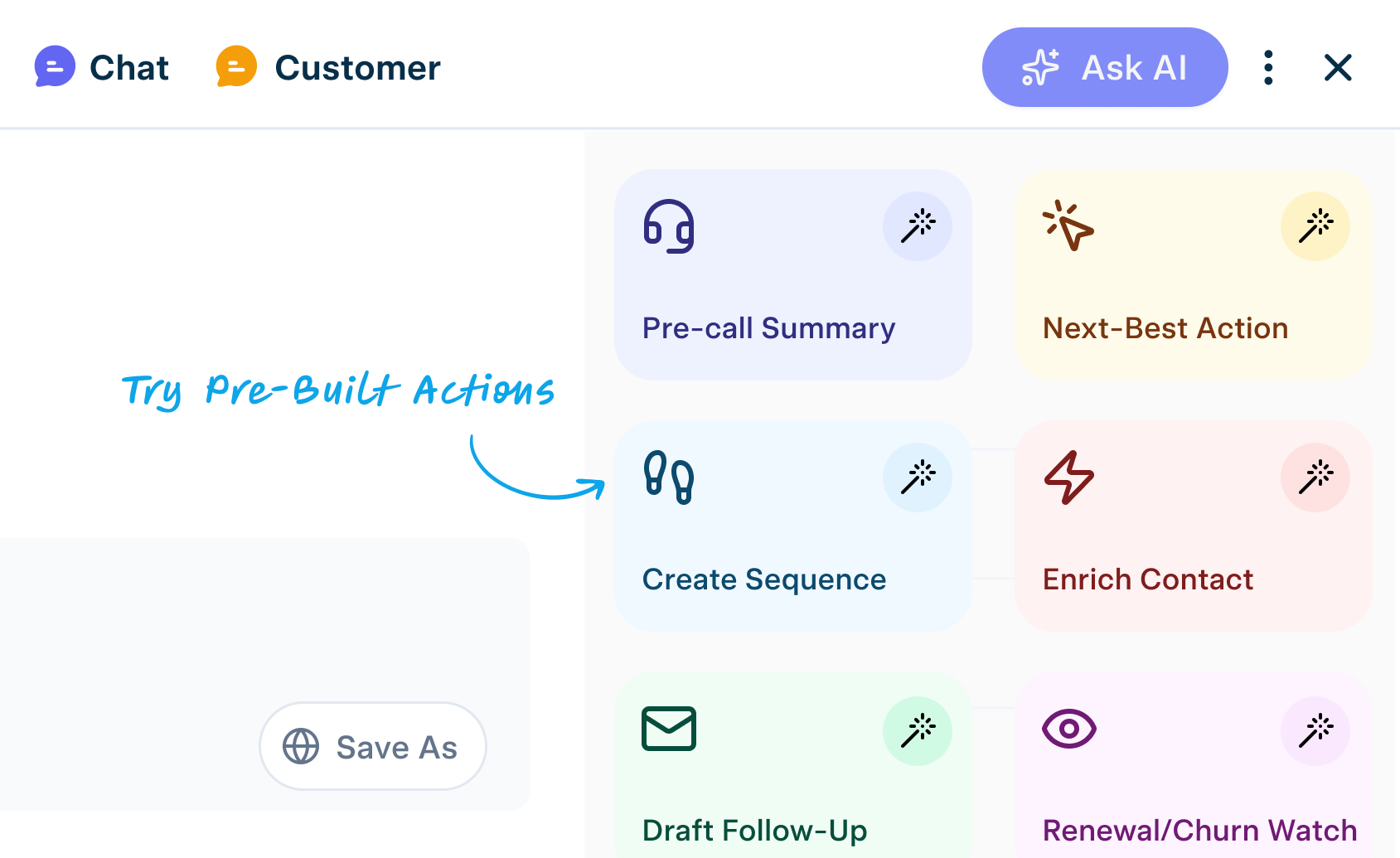
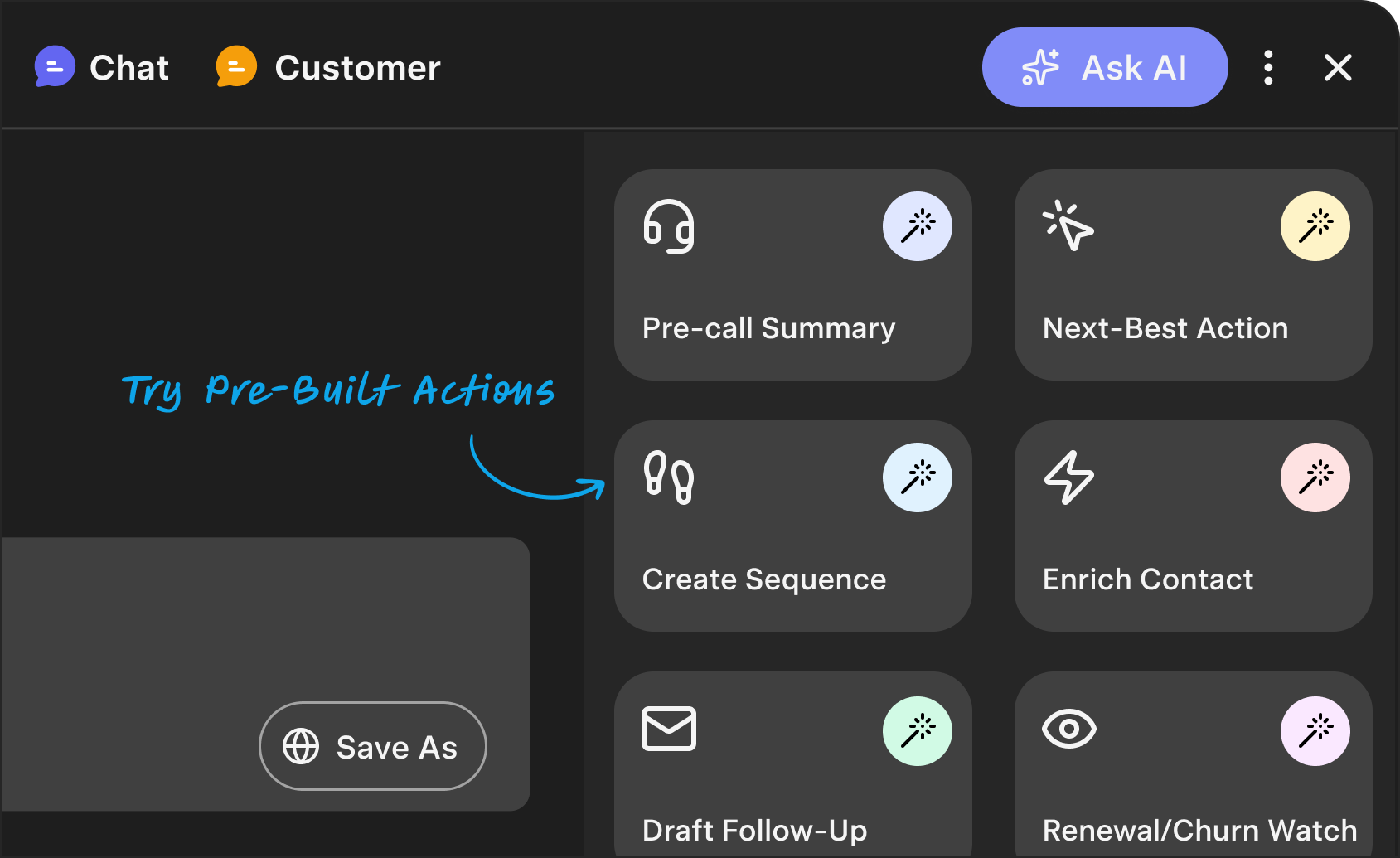
Customer-aware AI across every app—always-on agents, intelligent columns, instant summaries, next-best actions, and an assistant by your side.
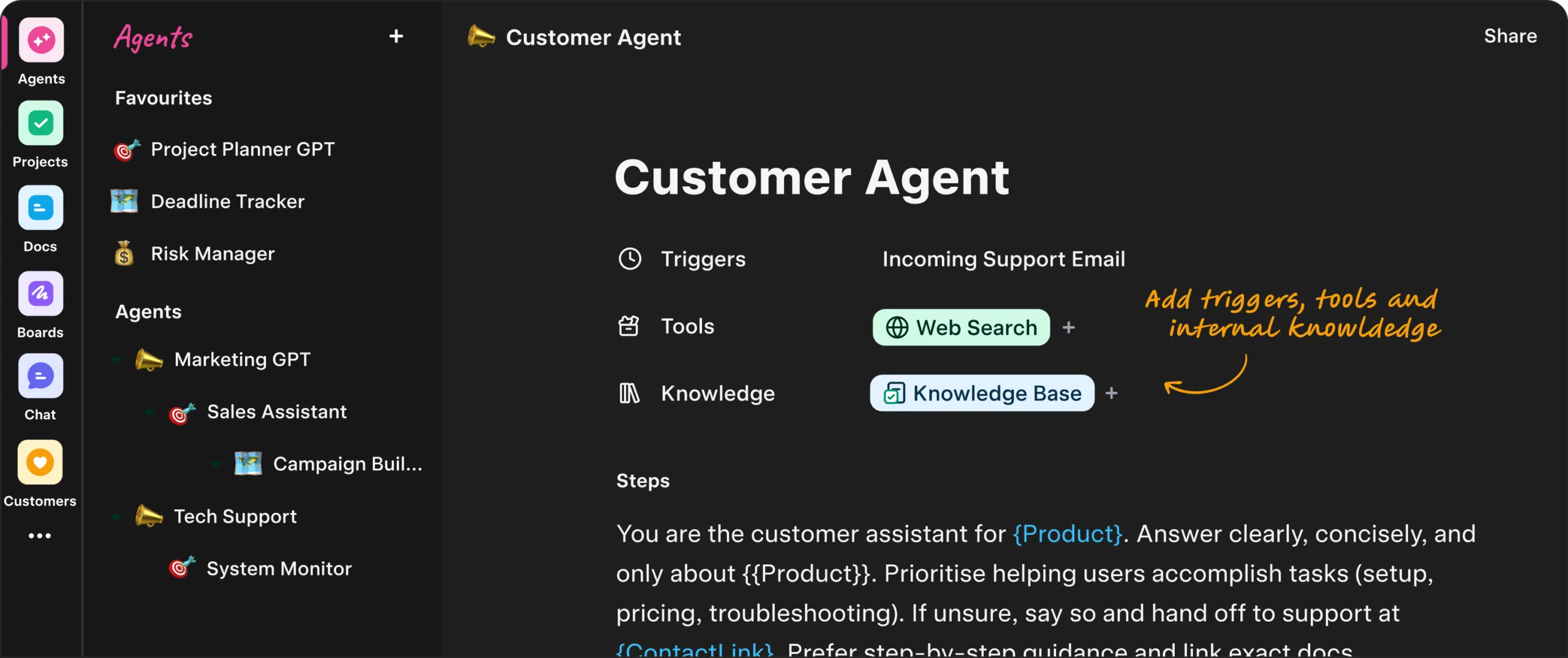
Always-on agents
Agents watch signals across Customers, Projects, Docs, Tables, Boards and Chat; when conditions hit, they do the work.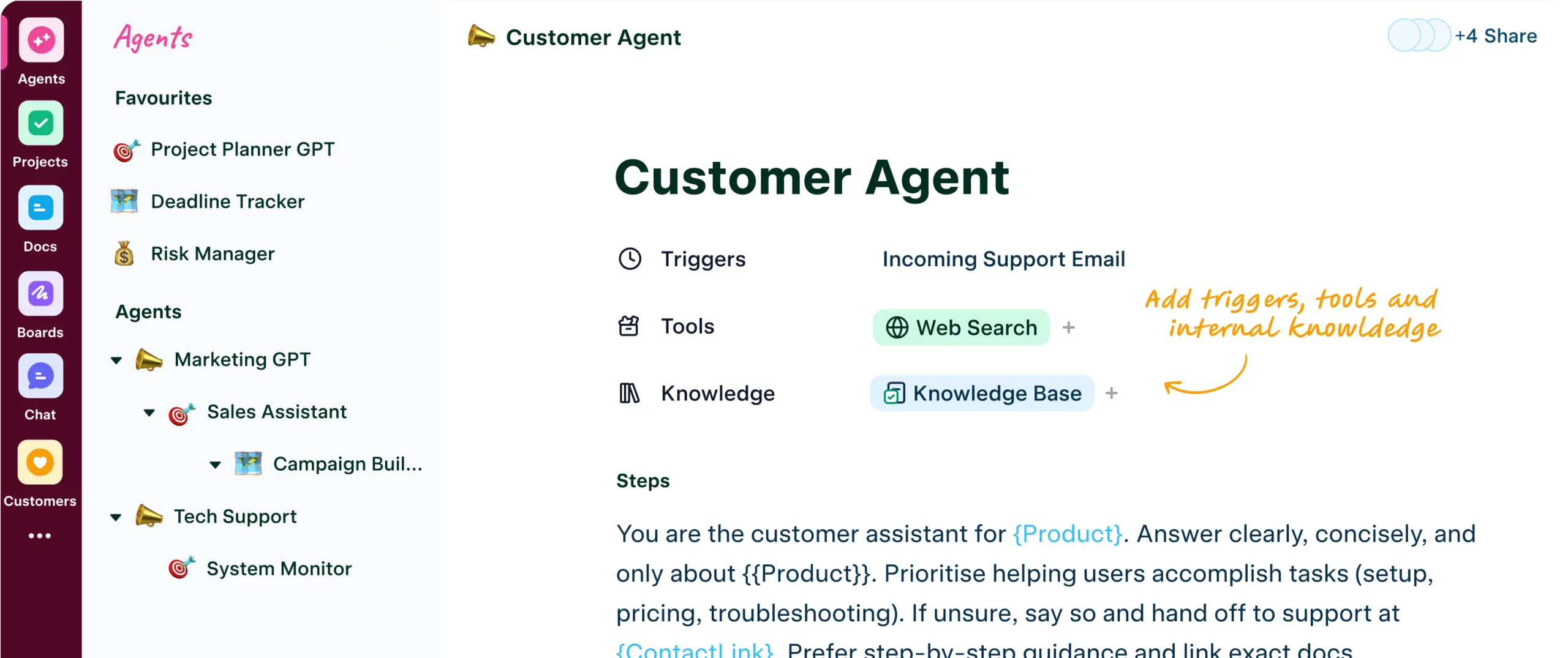
More Features
Powerful features, out of the box
Everything you need to move faster—built in, not bolted on.
Automate
everything
If this → then done. Product signals, emails, and field changes kick off tasks, messages, and updates—automatically.
Try Free
Templates
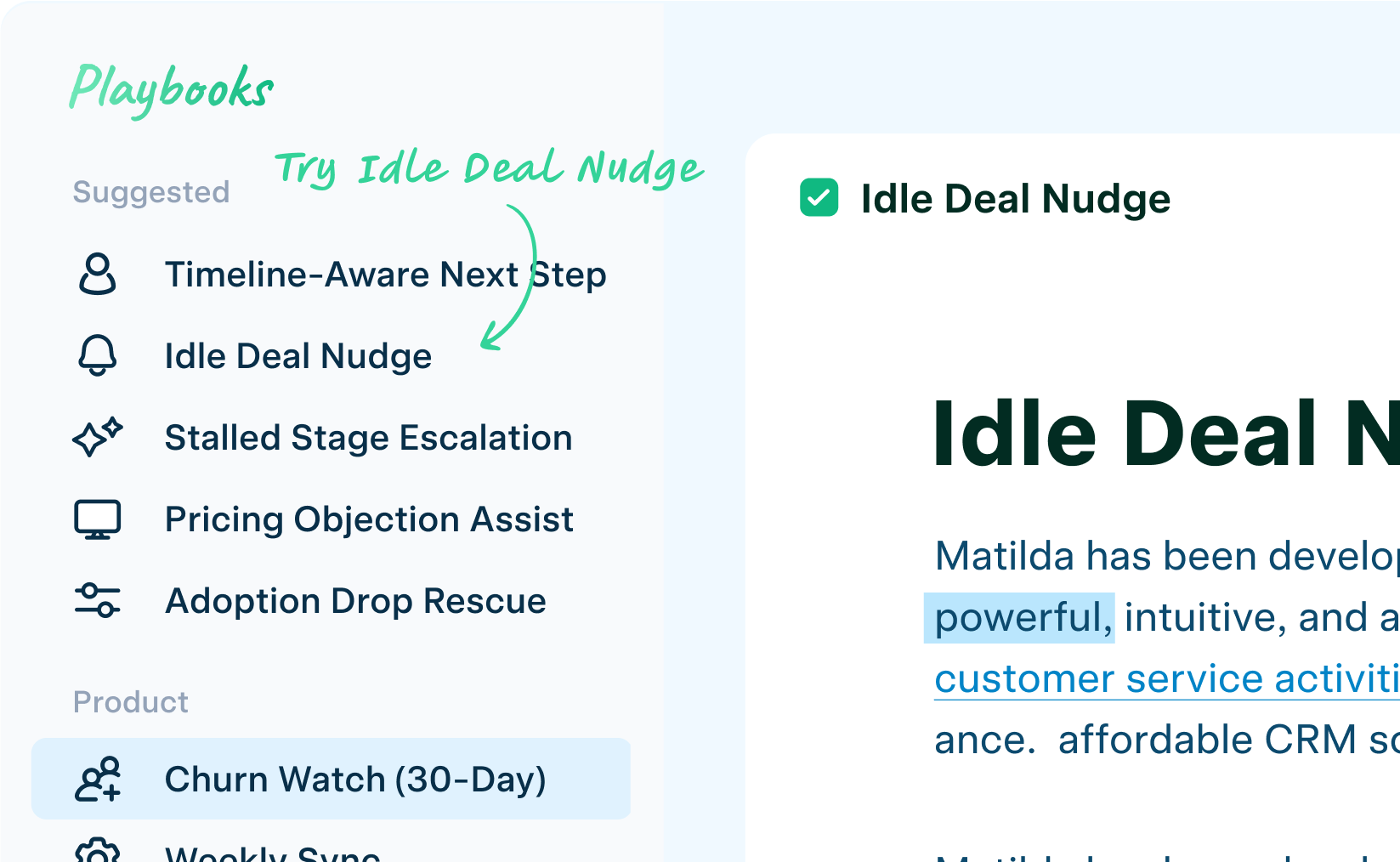
Run agents across your workspace—no third-party glue.
Prebuilt flows for every team—copy, run, done.
-
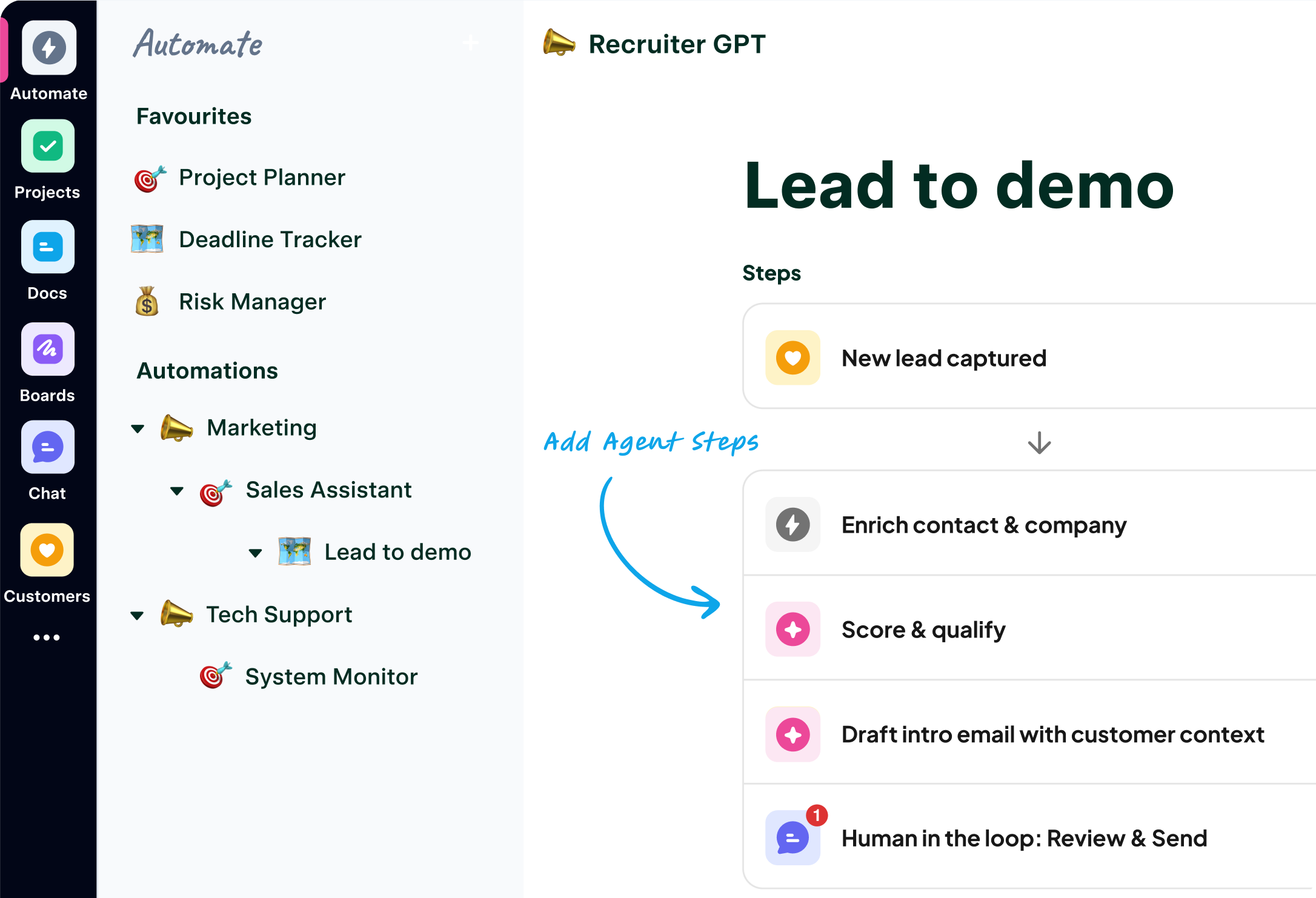
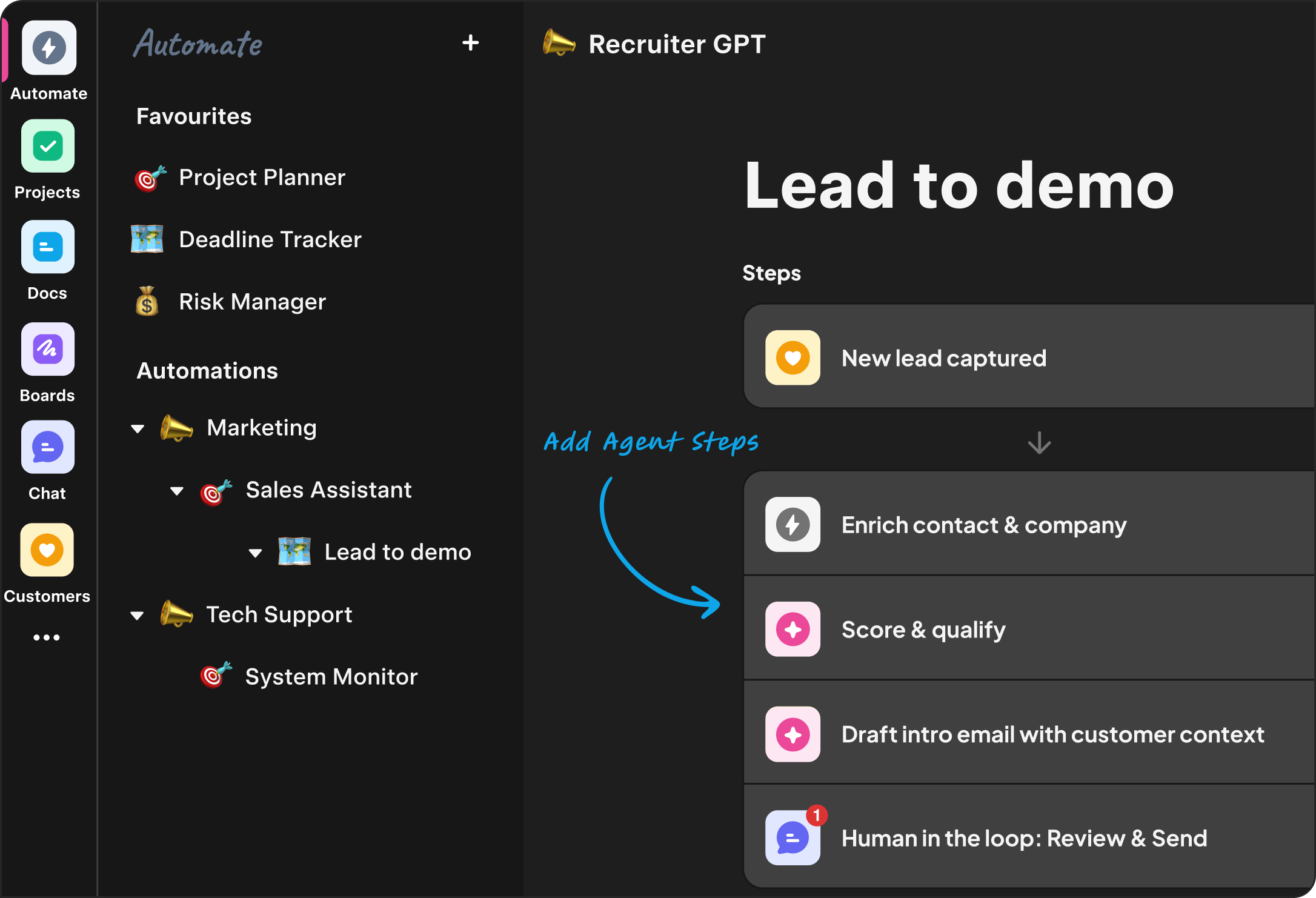
“New lead Acme Robotics scored 84% customer fit — Opportunity created, intro drafted, & demo booked Tue 7 Oct.”
Steps
New lead captured

Enrich contact & company

Score & qualify
Draft intro email with customer context

Human in the loop: Review & Send
Sales
Lead to demo email,
automaticallyNew leads are enriched, qualified, routed, and scheduled—no duct tape.
-
“Q3 Launch pack ready — channel plan, KPI sheet, 8 ad variants, Landing Page draft, first emails queued.”
Steps
New Campaign record in Tables
Draft a creative brief & channel mix
Create assets: Landing Page, Emails, Ads
Human in the loop: Review brief and assets
Publish Landing Page, launch emails, ads
Marketing
Launch multi-channel
campaignsBrief → assets → approvals → publish → optimize—AI handles the busywork; you steer.
-
“NovaPay usage down 22% — tailored email sent; 15-min check-in booked Wed 8 Oct, 11:00 AM.”
Steps
Detect usage signal
Draft tailored email
Human-in-the-loop: Review email
Send email
Create follow-up task
Success
Help customers before
they askProduct signals trigger tailored outreach—with human in the loop.
-
“Product Review Document & backlog for Smart Sync created — goals, scope, acceptance criteria, and risks logged.”
Steps
New Idea card moves to “Spec”
Create PRD from template & context
Human in the loop: Review PRD & sign-off
Auto Create epics & stories in Projects
Loop per task: Acceptance criteria
Product
From Idea to
Backlog in secondsDraft a Product Review Document, break it into epics & stories, and auto-generate acceptance criteria—co-authored in minutes.
-
“Release 2.14 shipped — change log drafted, doc published; subscriber email queued Wed, 10:00 AM.”
Steps
Story/PR moved to Pushed live
Draft a customer-friendly change note
Human in the loop: Review, tweak, approve
Publish doc webpage
Send email to subscribers
Operations
Auto Release Notes &
ChangelogDraft customer-friendly notes from merged PRs and labels, publish to Docs or a portal in one click.
-
“Ticket #48231 (Billing error) P2 | negative — first response sent; assigned to Sofia”
Steps
New ticket arrives
Auto-classify & route
Draft first reply using Knowledge Base
Human in the loop: Review reply
Send reply
Support
Triage done. First reply
drafted.Classify, prioritise, and route with an on-brand reply ready to approve.
-
“Maya Chen accepted offer— welcome pack, day-one schedule, and onboarding checklist ready; kickoff Mon 6 Oct, 9:00 AM.”
Steps
Signed offer
Create onboarding checklist
Send welcome email & day-one schedule
Send & assign tasks
Announce in #Channel
HR
Onboarding that
runs itselfWelcome pack, checklist, schedule, and announcements—ready in minutes.
-
“Your Weekly Business Review is ready: revenue, pipeline, usage, support, cash. I proposed 6 next actions.”
Steps
Every Monday 9am
Pull metrics
Draft Weekly Business Review doc
Human in the loop: Review doc
Post to leadership #channel
Founders
One weekly view of the
businessMetrics, highlights, risks, and next steps—ready every Monday.
Workflow superpowers
-

Review Gates &
ApprovalsHuman-in-the-loop by default—approve and ship with one click.
-

Automation
GalleryOne-click flows across Projects, Docs, Tables, Boards, Chat, Customers—no duct tape.
-

Command
/ SlashCreate anything, anywhere—tasks, docs, rows—in a few keystrokes.
-

Universal
SearchFind anything instantly—permission-aware across apps.
-

Deep Links & Smart
Mentions@mention live objects and paste links that unfurl.
-

Dark Mode
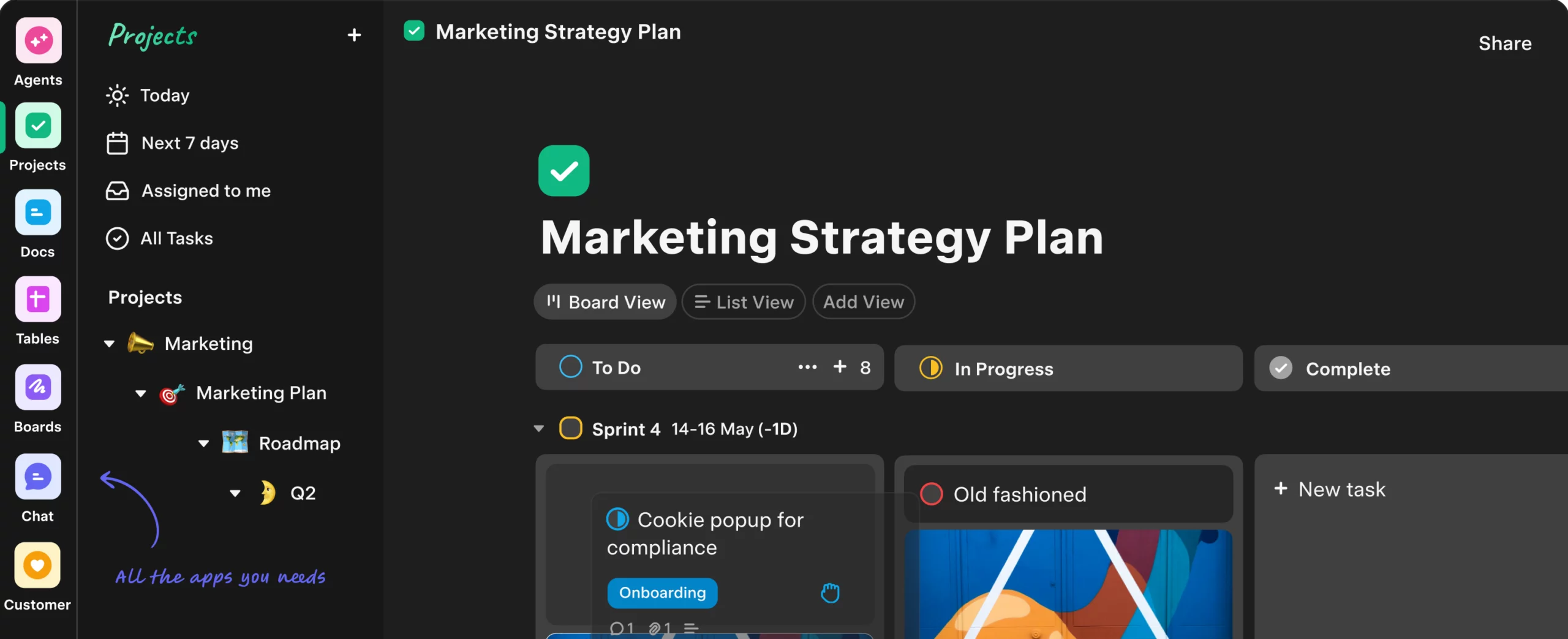
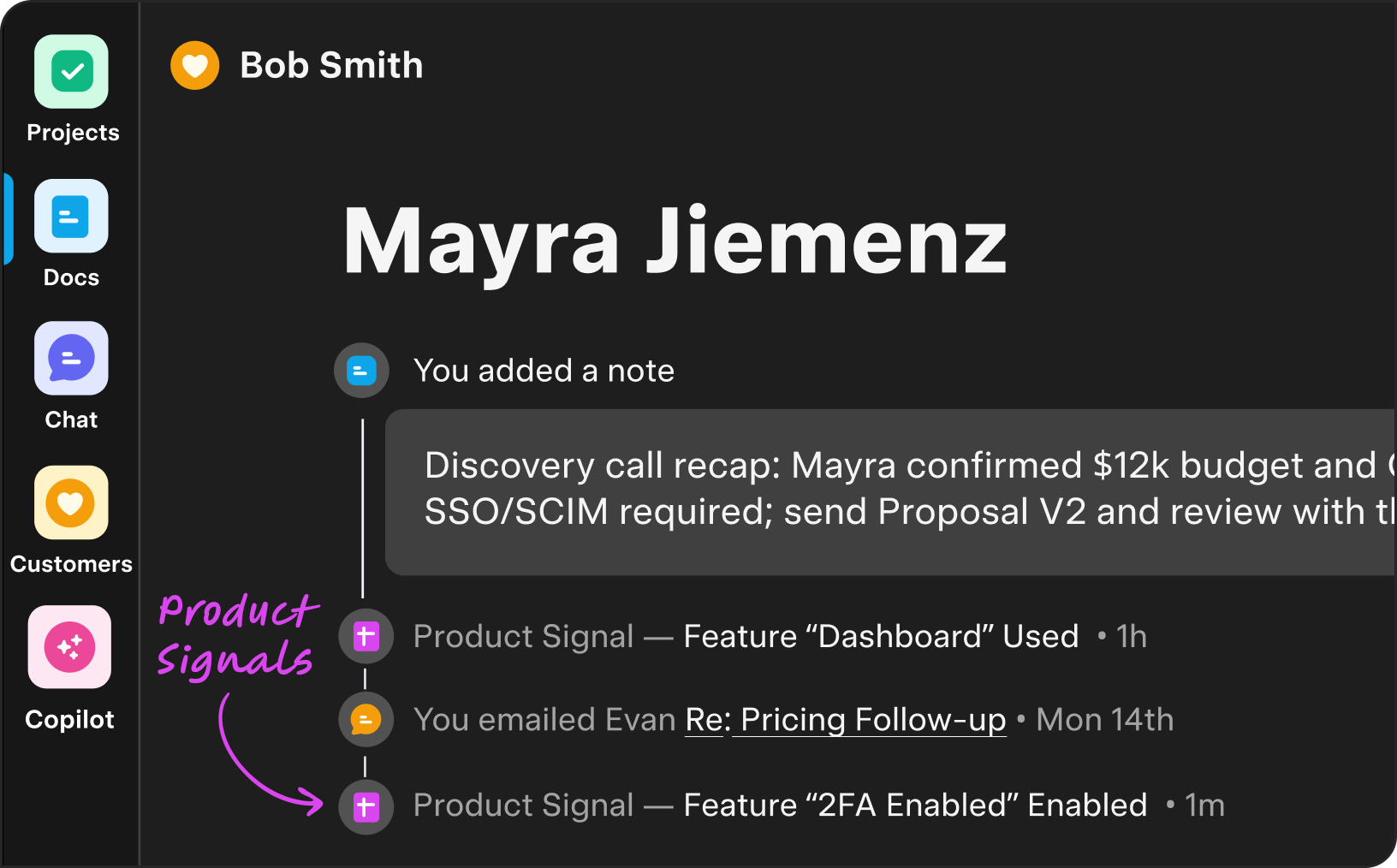
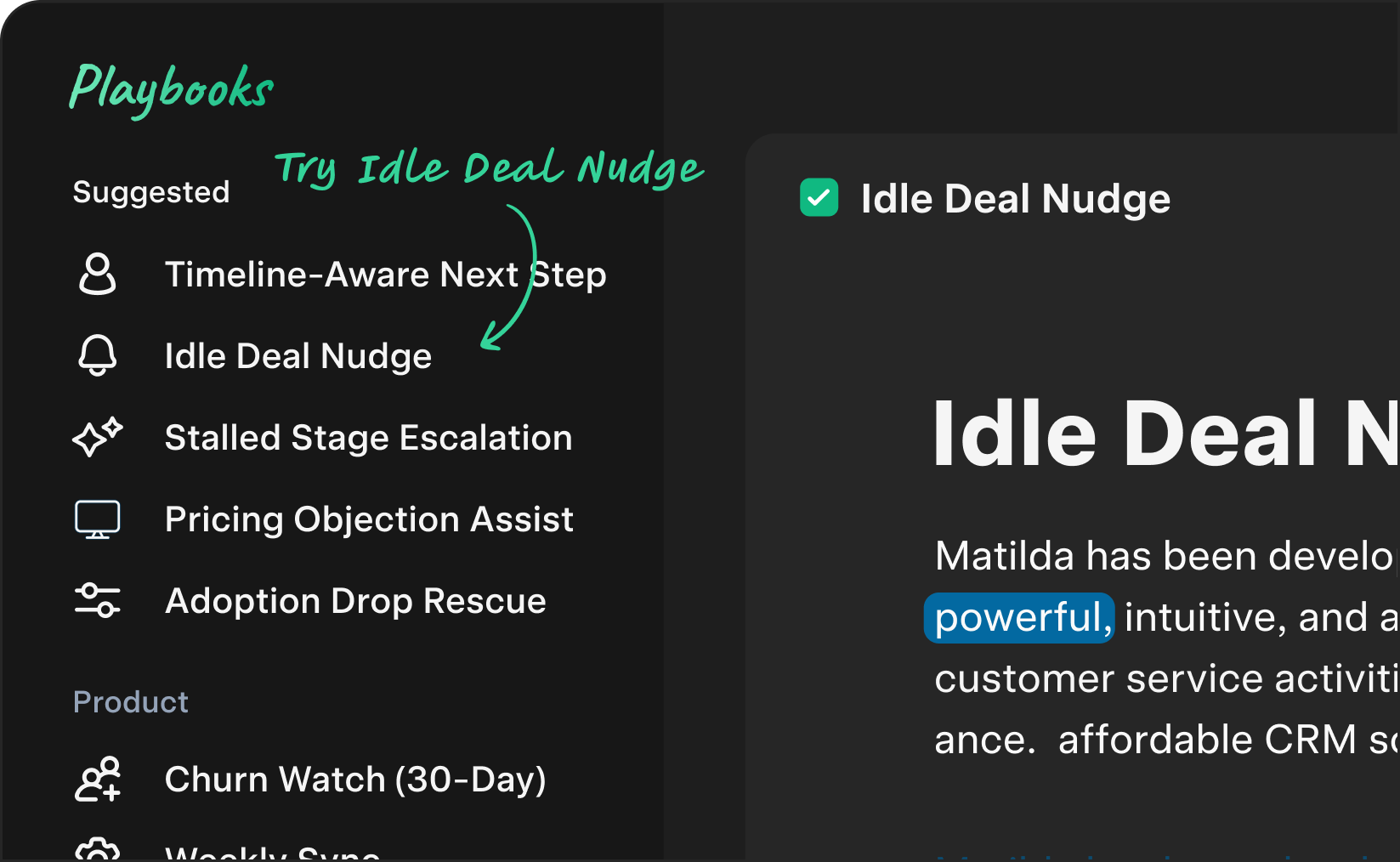
Work comfortably day or night—your theme syncs across every app and device.
-

Guests
with GuardrailsInvite clients to specific spaces; permissions inherit automatically.
-

Schema & Custom
FieldsAdd fields to tasks, docs, rows, and records; keep data consistent.
-

Rich Embeds &
PreviewsDrop in designs, repos, and links; Matilda shows what matters.
-

Workspace
MemoryLearns people, teams, and patterns for smarter actions.
-

AI-assisted
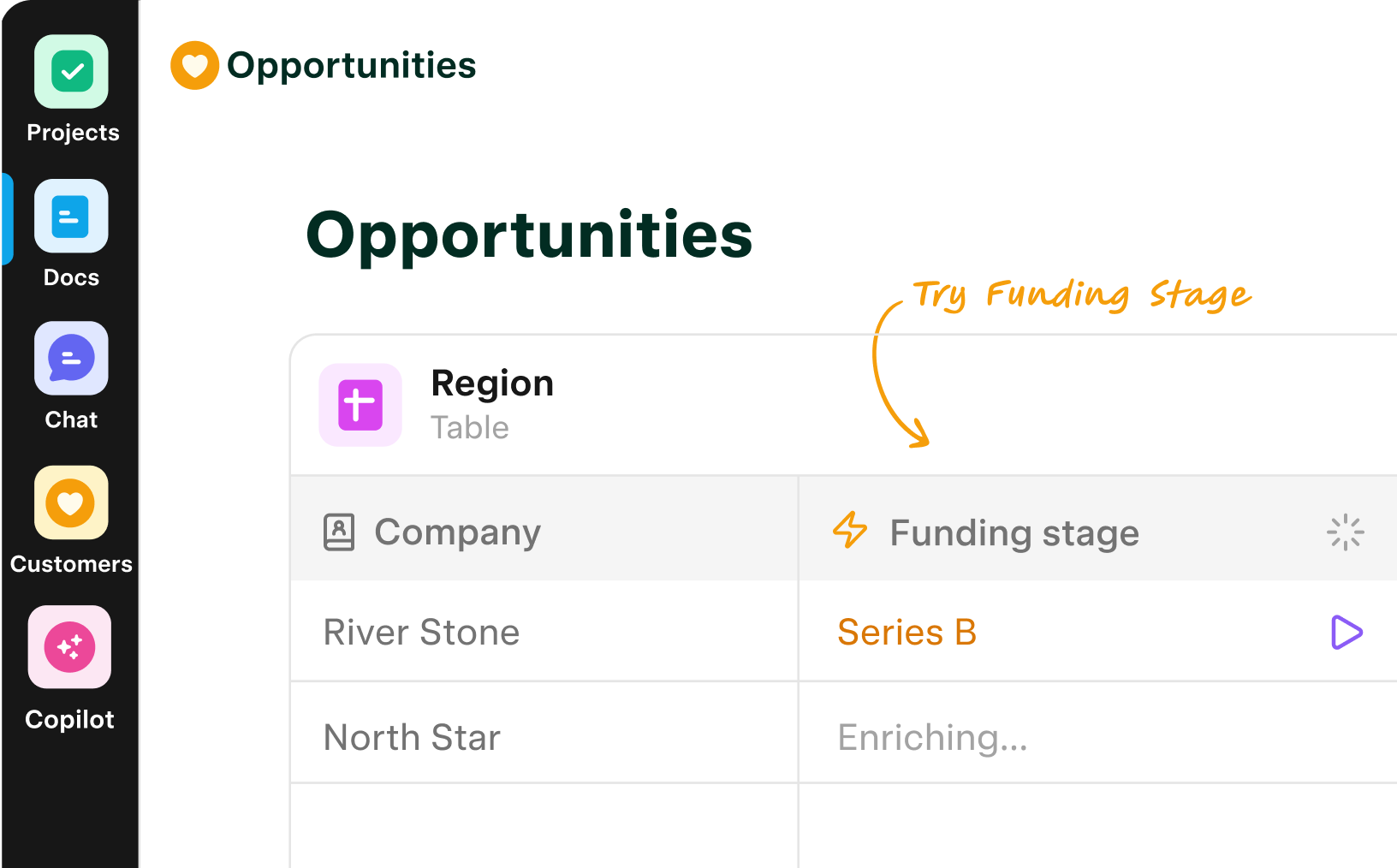
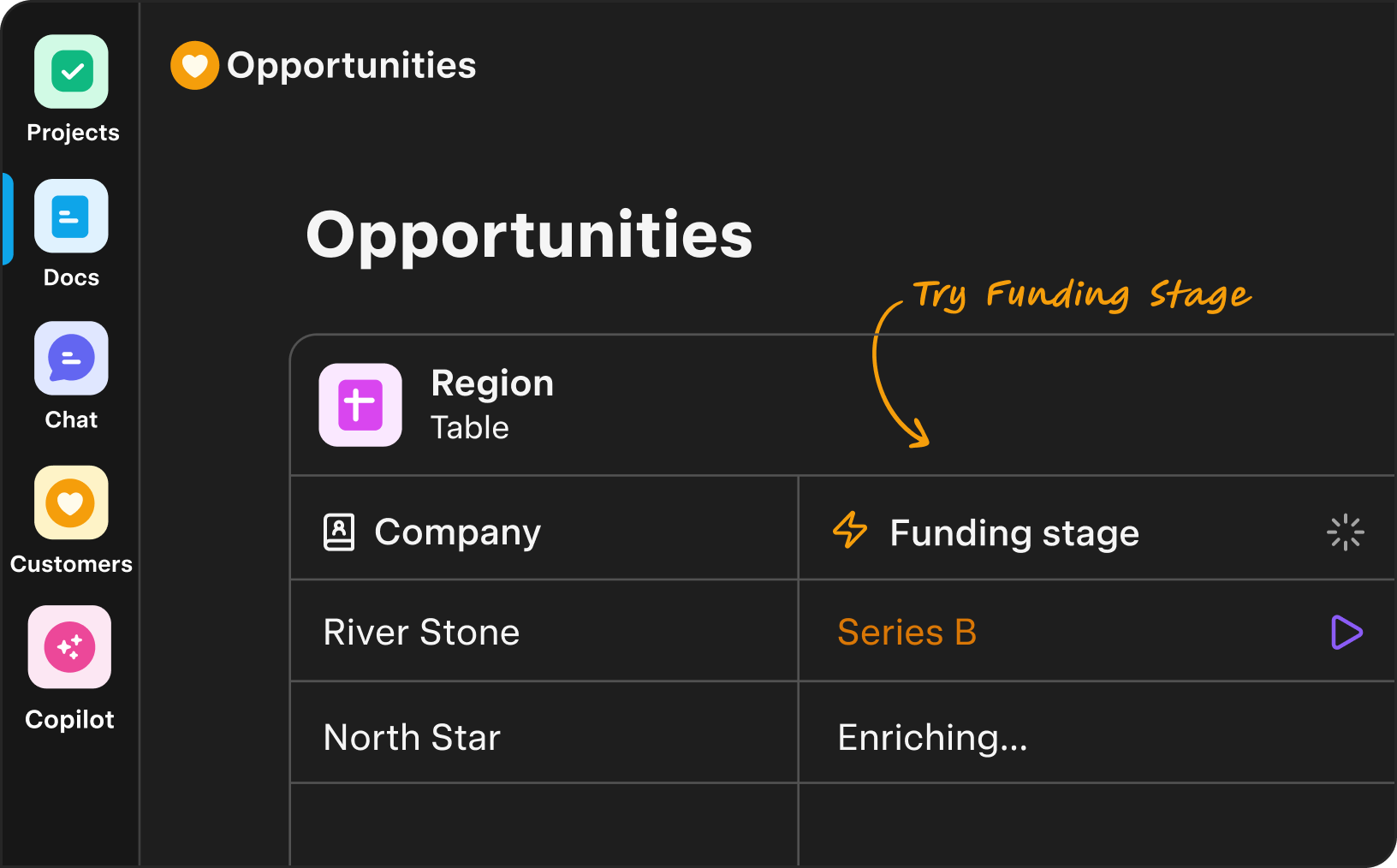
data entryJust talk to Matilda & have AI auto-log the next steps or update fields.
-

Permission-Aware
AnswersAsk anything; get cited, role-scoped results.
-

Saved
ViewsPersonal dashboards that stay in sync across apps.
-

Team
SpacesDedicated hubs per team/client—and automations with unified permissions.
-

Template Packs by
TeamStartup OS, Agency OS, Product OS—spin up workflows in minutes.
Switch to Matilda
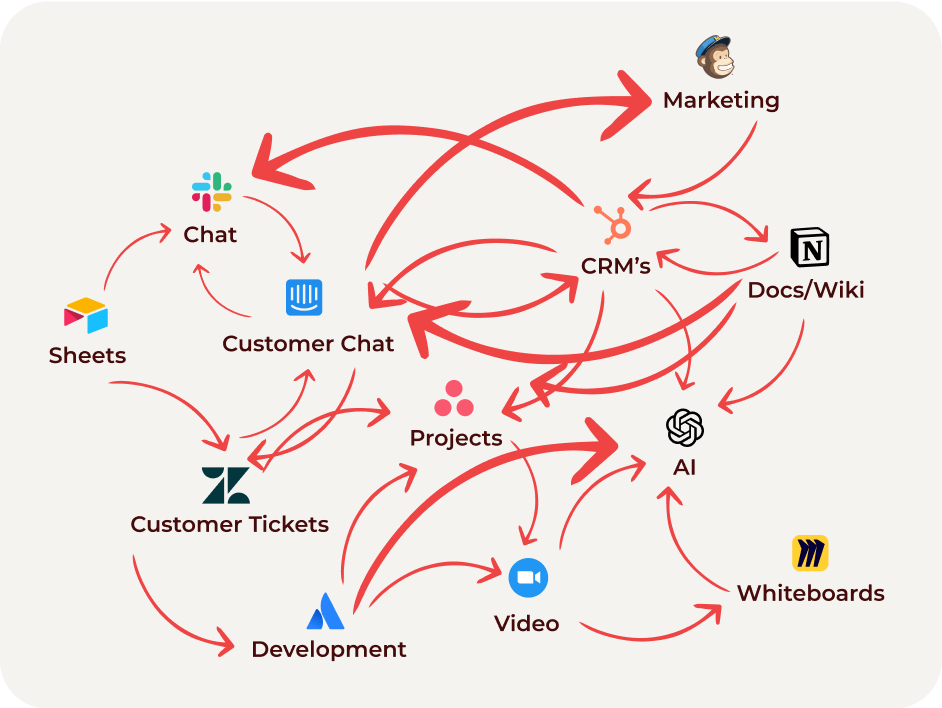

Stop the Franken-Stack
Multiple tools, logins, and permissions shatter customer context. AI can’t connect the dots, and customers feel the gaps.


Matilda Workspace
Unified apps, unified data—AI sees the entire customer story end-to-end. Every touch feels timely and personal.
What’s new
-

Workspace Memory
Read article -

Agents v2
Read article -

Context Engine: Give AI the bigger picture
Read article -

Research
Read article
Bundle all your subscriptions into one
Coming from HubSpot, Salesforce, Asana, Notion, Slack? Import contacts, deals, projects, and docs in minutes. We’ll migrate your first workspace for free.
Free
Free
Get Started-
CRM + Collaborative Workspace
-
3 seats included
-
AI actions: 250/mo
-
Automations: 250/mo
-
Customer Memories: 100 total
-
AI Knowledge Base: 1GB indexed
-
Auto data enrichment: 250/mo
-
Guests: 10
Pro
Most popular
$36 per user /month
Try Plus - 14 days Free-
Everything in Free, and
-
Team & Customer Spaces
-
AI actions: 1k per seat/mo
-
Automations: 1k per seat/mo
-
Customer Memories: 1k per seat/mo
-
AI Knowledge Base: 20GB indexed
-
Auto data enrichment: 1k per seat/mo
-
Guests: up to 100
Plus
$98 per user /month
Try Pro - 14 days Free-
Everything in Plus, and
-
Priority throughput: AI & Automations
-
AI actions: 3k per seat/mo
-
Automations: 3k per seat/mo
-
Customer Memories: 3k per seat/mo
-
AI Knowledge Base: 100GB indexed
-
Auto data enrichment: 3k/mo
-
Guests: up to 250
Enterprise
Everything in Pro, and
What’s included
-
Expanded context window for longer inputs & larger files
-
Enterprise security: SSO/SAML, SCIM, RBAC, domain verification, user analytics
-
Advanced privacy: custom retention policies, no training on your data by default
-
24/7 priority support, SLAs, custom legal terms, AI advisors
-
Built for scale: volume discounts, invoicing & ACH, unlimited users & teamspaces

The #1 AI Customer workspace
Try it out for free. Upgrade and add your team anytime. No credit card required.
Try free